
 МИ ПРАЦЮЄМО ДЛЯ УКРАЇНИ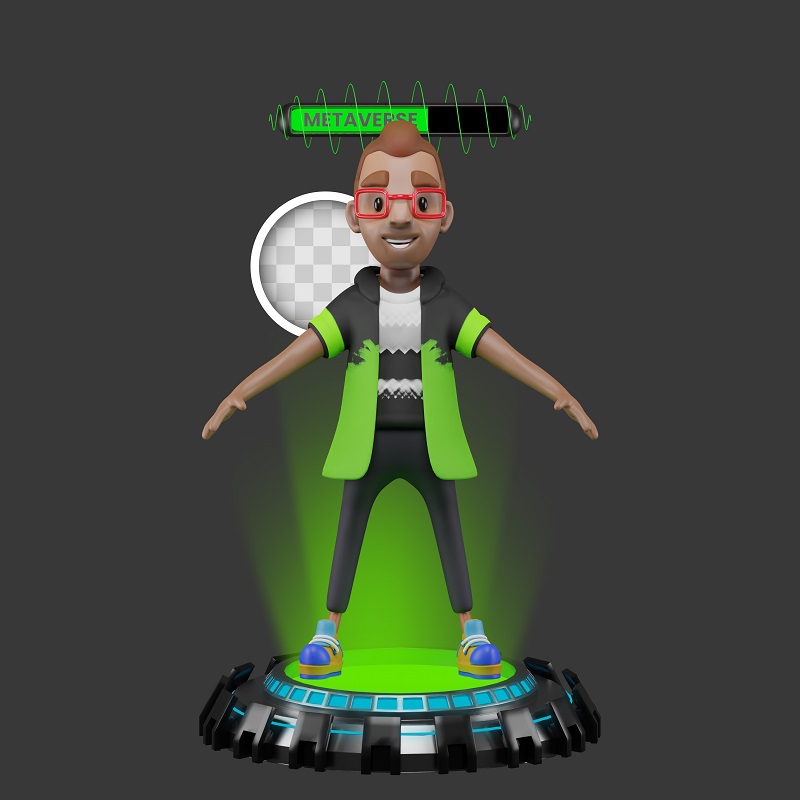
Creating an avatar using AI has become a simple and fun process available to everyone. Thanks to AI-powered avatar generators, users can easily create a unique image that reflects their personality or brand. AI analyzes various parameters such as facial features, colors, style, and even emotions to create a visually appealing and realistic avatar that can be used on social media, games, or professional platforms.
The AI avatar generator is powered by advanced machine learning algorithms. Users just need to upload their photo or select basic parameters to create a character, and then the system processes the entered data and generates an avatar in minutes. Thanks to the development of artificial intelligence technologies, the results are becoming more and more accurate and detailed, which allows to get an avatar that matches the user’s wishes as much as possible.
Artificial intelligence-based avatars are used in a variety of applications, from personalized profiles to virtual assistants and 3D models. They open up new possibilities for creative expression and communication in the digital world. Anyone can create an avatar using AI, regardless of their level of technical knowledge, making the technology accessible and user-friendly to a wide audience.

Services for creating avatars
Avatarro
Avatarro is a handy app that allows you to create unique avatars using artificial intelligence. It’s a great way to stand out on social media or just to get fun images.
- Download the app:
Find the “Avatarro – AI Avatars from Photos” app on Google Play and install it on your device. - Launch the app:
Open the app on your smartphone. - Grant permissions:
The app will ask for access to your gallery so that you can select a photo to create an avatar. Grant the required permissions. - Select a photo:
From the gallery, select the photo you want to use as the basis for your avatar. Choose a photo with a clear facial image. - Create avatar:
The app will start the avatar creation process. Wait for a few seconds while the AI processes your photo. - Choose a style:
After creating a basic avatar, you will be prompted to choose different styles and design options. Experiment to find the perfect look for yourself. - Save or Share:
When you are happy with the result, you can save the avatar to your device or immediately share it on social media.
More Avatarro features:
Create memes: Use your avatars to create funny memes and share them with friends.
Change Background: The app allows you to change the background on your avatars, adding variety to your images.
Simple interface: Even if you are not experienced in photo editing, you can easily understand the Avatarro interface.
Lensa AI
Lensa AI is a powerful tool that allows you to turn your photos into unique artistic avatars using artificial intelligence. It has become a popular way to express yourself and create customized digital images.
Step by step:

- Download the Lensa AI app:
The app is available for iOS and Android devices: find it in the App Store or Google Play and install it. - Create an account:
Sign up using your phone number or email address. - Upload your photos:
Select the photos you want to use to create avatars. We recommend using selfies with different facial expressions and angles. - Choose an avatar style:
Lensa AI offers a wide range of styles, from fantasy to realistic, you can choose one style or combine several. - Pay for a subscription:
To access all the features of Lensa AI, including avatar generation, you need to take a paid subscription.Subscription cost and duration may vary. - Wait for the result:
Artificial intelligence will process your photos and create unique avatars in the style of your choice.Waiting time may depend on the number of photos selected and server load. - Save and Share:
Once the process is complete, you will be able to view all the avatars created.Save them on your device or share them with your friends on social media.
Useful tips:
- Quality of photos: The better the quality of your photos, the better the result will be.
- Variety: Use photos with different facial expressions and angles to get more interesting avatars.
- Experiment with styles: Try different avatar styles to find the one you like best.
- Privacy: Be careful with the photos you upload to the app and read Lensa AI’s privacy policy.
Important: While Lensa AI is a powerful tool, it’s worth remembering that it is still the result of artificial intelligence and the resulting avatars may differ from your real-life appearance.
Conclusion
Creating an avatar using artificial intelligence has become an easy and affordable solution for users with any level of technical expertise. Thanks to modern AI technology, anyone can customize a unique image for social media, gaming or professional presentations in just a few minutes. Artificial intelligence saves time while providing high quality and creative images. This is a new era of visual communication where the possibilities for personalization are endless. Use the power of AI to create an avatar to emphasize your personality and make an impression in the digital world.



comments