
 МИ ПРАЦЮЄМО ДЛЯ УКРАЇНИ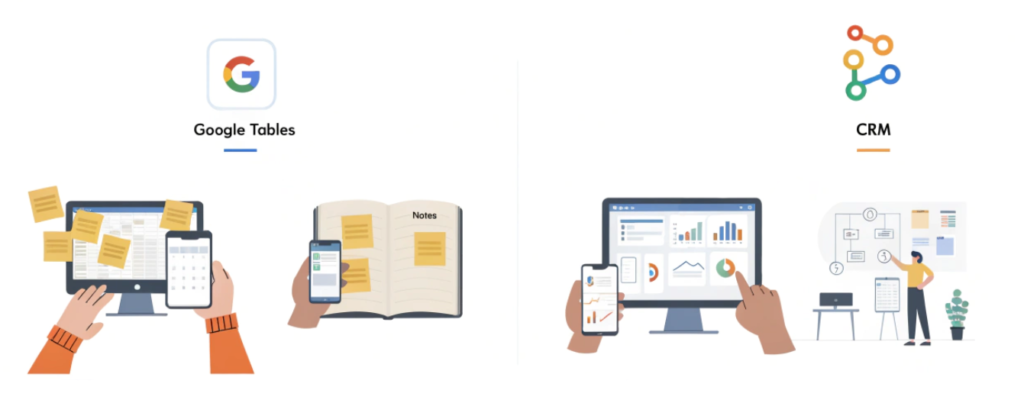
Table of Contents
Google Sheets: The Digital Notebook of Modern Times
Many start by creating a so-called CRM spreadsheet. This is a regular file where columns list customer names, phone numbers, and deal statuses.
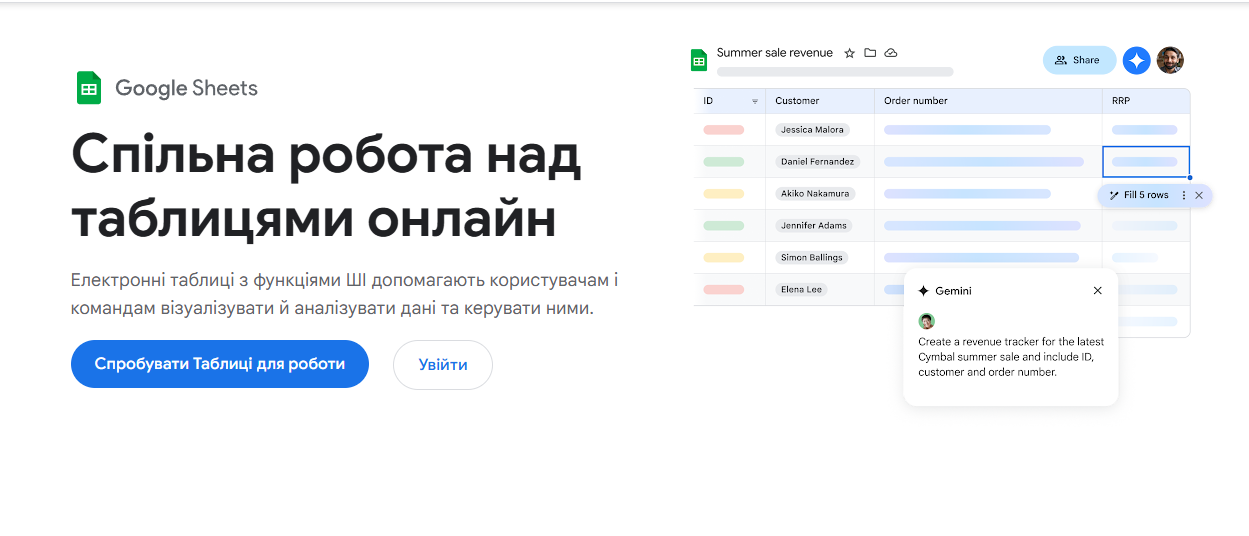
Pros of Google Sheets
- Accessibility and Price: It is completely free. You only need a Google account.
- Low Entry Barrier: Almost everyone knows how to enter data into a cell or change the background color. No special training is required.
- Flexibility: You can set up a spreadsheet for any process in minutes. Adding a new column is just a couple of clicks away.
- Collaboration: Multiple people can work in the file simultaneously, seeing each other’s edits in real-time.
Cons of Google Sheets
- Human Factor: This is the biggest issue. Any manager can accidentally delete a formula, erase data, or mix up rows. Tracking exactly who made an error in a heap of cells is extremely difficult.
- Lack of Automation: The sheet won’t call the client itself or remind you of a meeting. You are forced to manually enter every change.
- Security: If an employee has access to the sheet, they can copy your entire customer database in a second and leave for a competitor. You cannot limit permissions so that they see only “their” clients but not the total sales amount.
- Scale Limitations: When the number of rows exceeds several thousand, the file starts to “lag,” take a long time to load, and crash with errors.
CRM System: A Professional Sales Tool
A CRM system (Customer Relationship Management) is not just a place where it’s better to store business information, but a full-fledged mechanism for relationship management.
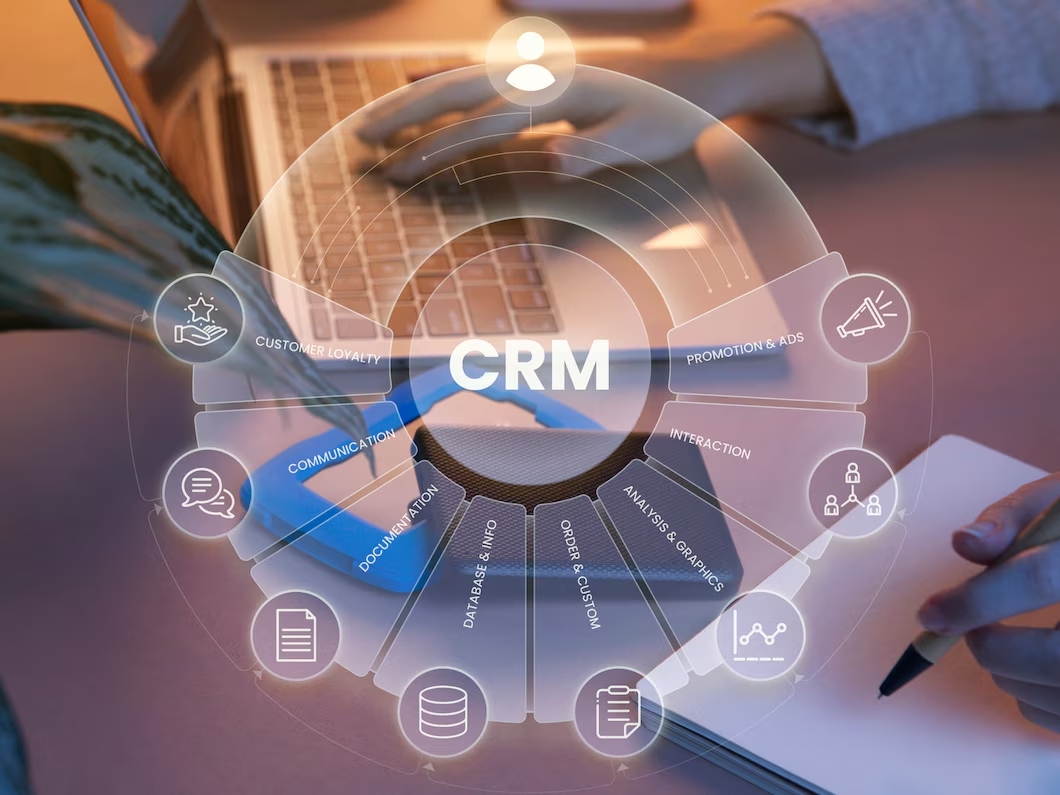
Pros of CRM Systems
- Routine Automation: When a customer leaves a request on the website, it automatically enters the CRM. The system creates a card, assigns a responsible manager, and even sends the customer a welcome SMS.
- Interaction History: Everything is stored in the CRM: call recordings, messaging history, purchase history. A new manager can take over a client in a minute simply by reading the history.
- Analytics and Reports: You see the sales funnel in real-time. Which manager is “losing” leads? Which advertising source brings money, and which one only brings empty clicks?
- Access Permissions: Everyone sees only what they are allowed to. The manager sees their leads, the head of the department sees team results, and the owner sees financial indicators.
Cons of CRM Systems
- Cost: Good software must be paid for. This is either a monthly subscription per user or a significant amount for implementation and licensing.
- Implementation Complexity: It’s not enough to just buy a CRM. It needs to be configured for your business processes and staff must be trained. Often, employees resist innovations.
- Redundancy: For a micro-business with three sales per month, the CRM functionality might be too complex and unnecessary.
Comparison Table: CRM vs. Google Sheets
| Criterion | Google Sheets | CRM System |
| Price | Free | Subscription or license cost |
| Data Entry | Manual | Mostly automatic |
| Security | Low (easy to steal the database) | High (access control) |
| Communications | Must switch to other apps | Calls and chats inside the system |
| Reminders | None | Automatic notifications |
| Reporting | Created manually | Formed instantly |
Alternatives to Google Sheets: Is It Worth Searching?
If you’re not ready for a full CRM yet, but standard spreadsheets aren’t enough, there are alternatives that try to bridge both worlds.
- Airtable: A hybrid of a database and a spreadsheet. It looks like Excel but works much smarter. You can attach files to cells, set up relationships between tables, and create user-friendly interfaces.
- Notion: A universal workspace where you can keep documentation and simple customer databases. Suitable for small teams.

However, it’s worth understanding: even “advanced” spreadsheets won’t replace the sales automation provided by a specialized CRM.
What’s Better for Business: Google Sheets or CRM?
The choice depends on the stage your company is at.
When to Choose Google Sheets:
- You have just tested the niche and have fewer than 10 orders per week.
- You work alone or with one assistant.
- Your sales cycle is very short (buy-sell) and does not require prolonged lead nurturing.
- You have no budget for automation.
When a CRM is Urgently Needed:
- You have more than 2-3 sales managers.
- You spend money on advertising (Facebook, Google Ads) and don’t know exactly how much an acquired customer costs.
- Managers forget to call back, or you lose contacts in messaging apps.
- The sales process takes weeks or months and consists of many stages (call, measurements, proposal, contract, payment).
- You plan to scale. Without consistency, growth will stop due to operational chaos.
Where is the Best Place to Store Business Information?
Data security is the main asset. In Google Sheets, information belongs to whoever has the link. In a CRM, data is encrypted, stored on secure servers, and any attempt at a mass database export is immediately flagged by the system.
If your business relies on a customer base (and which one doesn’t?), switching to a CRM is not just a matter of convenience, but a matter of market survival. You will be able to work with LTV (Lifetime Value), remind customers of your business six months after a purchase, and make personalized offers. A spreadsheet simply cannot do that.
Conclusion
Sheets are a great start, but a poor foundation for a large building. If you feel like your workday has turned into an endless copy-paste of data from one file to another, and managers are increasingly saying “I forgot,” it’s time to move to the next level.
Process automation is an investment that pays off by ensuring no lead is trashed and every customer receives the proper attention.
If you are hesitant about which system to choose, or how to correctly migrate your data from spreadsheets without loss — contact the digital marketing agency Outsourcing Team. We help businesses select optimal IT solutions, implement automation systems, and set up processes so that technology works for you, and not the other way around.
Want to find out which CRM is right for your niche? Write to us, and we will conduct an audit of your processes.



comments