
 МИ ПРАЦЮЄМО ДЛЯ УКРАЇНИ
Table of Contents
- Which transcription programs actually recognize the Ukrainian language?
- OpenAI Whisper — free and accurate, but for technical users
- Fireflies.ai — transcription with automatic summaries and CRM integration
- Notta — best claimed accuracy for the Ukrainian language
- Otter.ai — a popular tool that is not suitable for Ukrainian meetings
- Fathom — a generous free plan with limited language support
- How to choose a transcription program for a specific task?
- Frequently Asked Questions (FAQ)
Which transcription programs actually recognize the Ukrainian language?
Tool Comparison Table
| Tool | Ukrainian Language | Free Plan | Limit per Single Record | Paid Plan Price |
| OpenAI Whisper | yes, high accuracy | free forever (self-host) | none (depends on hardware) | $0.006/min via cloud API |
| Fireflies.ai | yes, officially confirmed | unlimited transcription, 800 mins of storage | no separate recording limit | from $10/user/month |
| Notta | yes, claimed accuracy 98.86% | 120 mins/month | only 3 minutes per recording | from $8.25/month (annual billing) |
| Otter.ai | no (only EN/FR/ES) | 300 mins/month | 30 mins per session | from $8.33/month (annual billing) |
| Fathom | not detailed publicly | unlimited recordings and storage | none | team plans upon request |
OpenAI Whisper — free and accurate, but for technical users
Best suited for: transcribing recordings for those who are ready to set up a technical solution once and use it afterwards without any monthly limits.
Price: the Whisper model itself is free and open-source, and can be run on your own computer without any limits on the number of minutes. An alternative that requires no installation is OpenAI’s cloud Whisper API at $0.006 per minute of audio, which is significantly cheaper than competitors’ subscriptions for large volumes.
Advantages: supports around 99 languages, including Ukrainian, with accuracy that independent reviews call one of the highest among available solutions; complete control over data — audio never leaves your own device when run locally; no monthly limits.
Disadvantages: running the local version requires basic technical skills (command line, installing Python dependencies) and a powerful enough computer — it is not an “open the website and start using” solution; there is no ready-made interface with automatic summaries or CRM integration — the output is text-only.
How to register: no registration is required for local launch — the model is installed from the open OpenAI repository on GitHub. To use via the cloud API, you need an account on platform.openai.com → API keys section → create a key → connect pay-as-you-go billing.
Usage nuance: the quality of transcription in Ukrainian depends significantly on the chosen model size (from tiny to large) — smaller models run faster but noticebly confuse suffixes and word endings more often, so for business terminology, you should choose the large model right away, even if it is slower.
Fireflies.ai — transcription with automatic summaries and CRM integration
Best suited for: teams that need not just transcription, but an automatic meeting summary, action item list, and search capability across the history of all past calls.
Price: the free plan provides unlimited-time transcription of meetings scheduled through calendar, bot, or browser extension, plus 800 minutes of storage for recordings and 20 monthly AI credits for advanced features (e.g., AskFred AI assistant). The paid Pro plan starts at $10 per user per month (annual billing), removes storage limits, and expands file upload capabilities.
Advantages: officially confirmed support for Ukrainian among over 100 languages; the bot itself joins Zoom, Google Meet, or Microsoft Teams based on the calendar schedule; automatically generates meeting summaries, action items, and sends them to CRMs (Salesforce, HubSpot) or Notion.
Disadvantages: the 800-minute storage limit on the free plan means old recordings will have to be periodically deleted to free up space for new ones; the visible bot participant in the attendee list may confuse clients who are not used to this format.
How to register: go to fireflies.ai → “Try for free” → email or Google account → connect calendar (Google Calendar or Outlook) in the setup wizard so the bot automatically joins scheduled calls.
Usage nuance: the transcription language must be manually selected in the meeting settings (Meeting Settings → Meeting Language) before the call starts — automatic language detection on the free plan works worse than manually selecting “Ukrainian” right away.
Notta — best claimed accuracy for the Ukrainian language
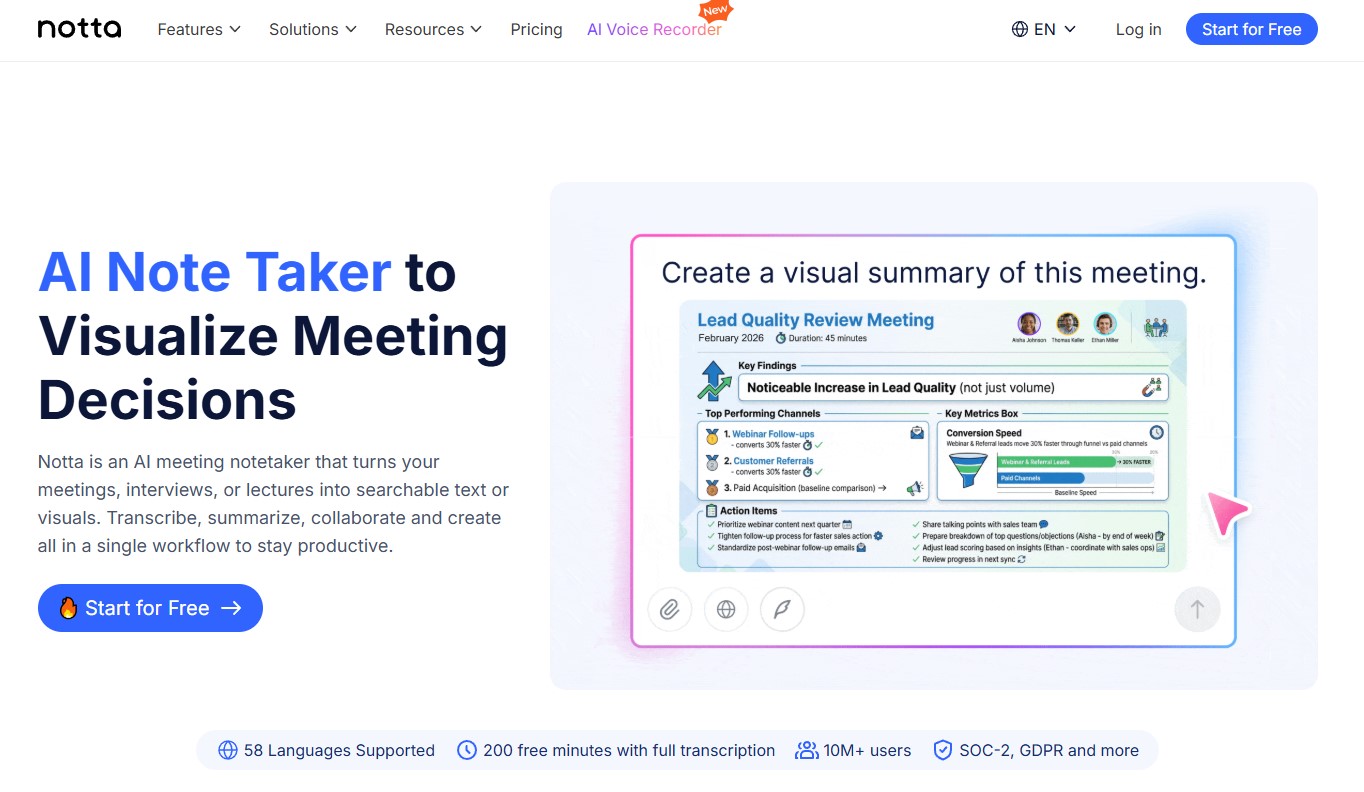
Best suited for: transcribing separate files (interviews, recorded lectures, voice recorder clips) rather than just live Zoom calls.
Price: the free plan gives 120 minutes of transcription per month, but with a critical limitation — a maximum of 3 minutes per single recording. This means that for transcribing even a 30-minute business meeting, the free plan is insufficient without manually splitting the recording into parts. The paid Pro plan starts at $8.25/month (annual billing) or $14.99/month (monthly) and raises the limit to 1800 minutes.
Advantages: on the official page dedicated specifically to the Ukrainian language, the company claims up to 98.86% recognition accuracy for Ukrainian; supports direct imports from YouTube, Google Drive, and Dropbox via link, without manual file downloading; automatic language detection works without manual configuration before recording.
Disadvantages: the 3-minute per recording limit on the free plan practically turns it into an extended demo version rather than a working tool for actual meetings — this is confirmed by independent reviews that directly call this limit “deceptively restricted.”
How to register: go to notta.ai → “Start for free” → email or Google account → in the “Import Files” or “Record” section, immediately select “Ukrainian” as the transcription language for maximum accuracy.
Usage nuance: if the recording is longer than 3 minutes and you don’t want to pay yet, the easiest workaround is to pre-split the long meeting into several separate 3-minute audio files in any free audio editor before uploading, although this noticeably complicates working with long negotiations.
Otter.ai — a popular tool that is not suitable for Ukrainian meetings
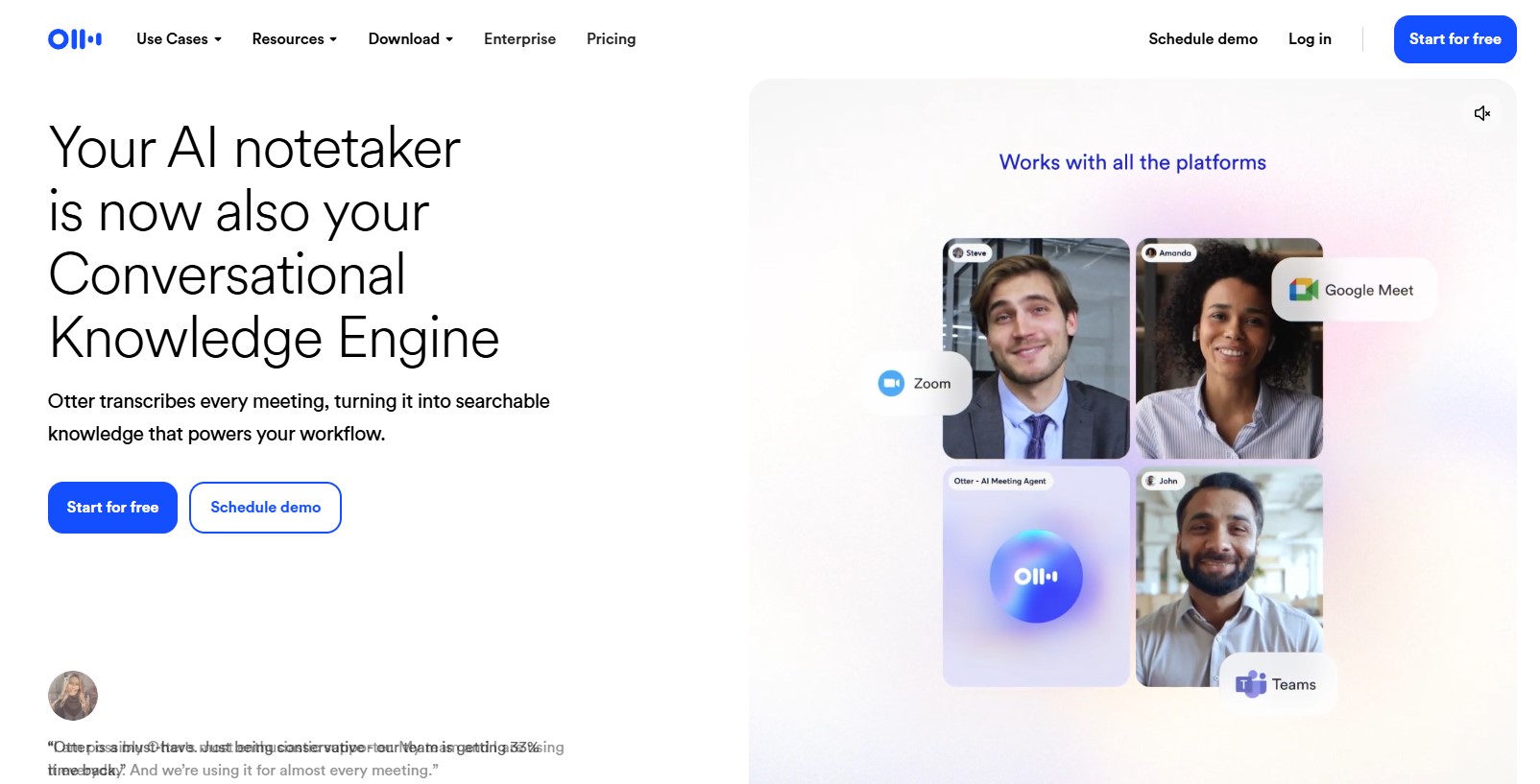
Best suited for: despite the language limitation, it is worth knowing about Otter.ai as a reference point, since English-language reviews of “best transcription software” refer to it most often — and for businesses that conduct negotiations with foreign partners in English, it remains a strong choice.
Price: the free plan provides 300 minutes of transcription per month with a limit of 30 minutes per recording session and only 3 audio/video file imports for the entire lifetime of the account. Pro starts at $8.33/month (annual billing).
Advantages: convenient live transcription right during the call with the ability to ask questions about the context of the conversation while it is still ongoing; deep integration with Zoom, Google Meet, and Microsoft Teams.
Disadvantages (critical for this article): Otter.ai officially supports speech recognition only in English, French, and Spanish. For meetings in Ukrainian or Russian, the service will not produce any recognition — it’s not a question of accuracy, but a complete lack of language support.
How to register: go to otter.ai → “Start for free” → email or Google account → connect calendar for automatic bot joining to scheduled English calls.
Usage nuance: if some of the company’s meetings are held in Ukrainian, while others are in English with foreign clients, it makes sense to keep Otter.ai as a separate tool specifically for the second category of calls, rather than as a single solution for the whole team.
Fathom — a generous free plan with limited language support
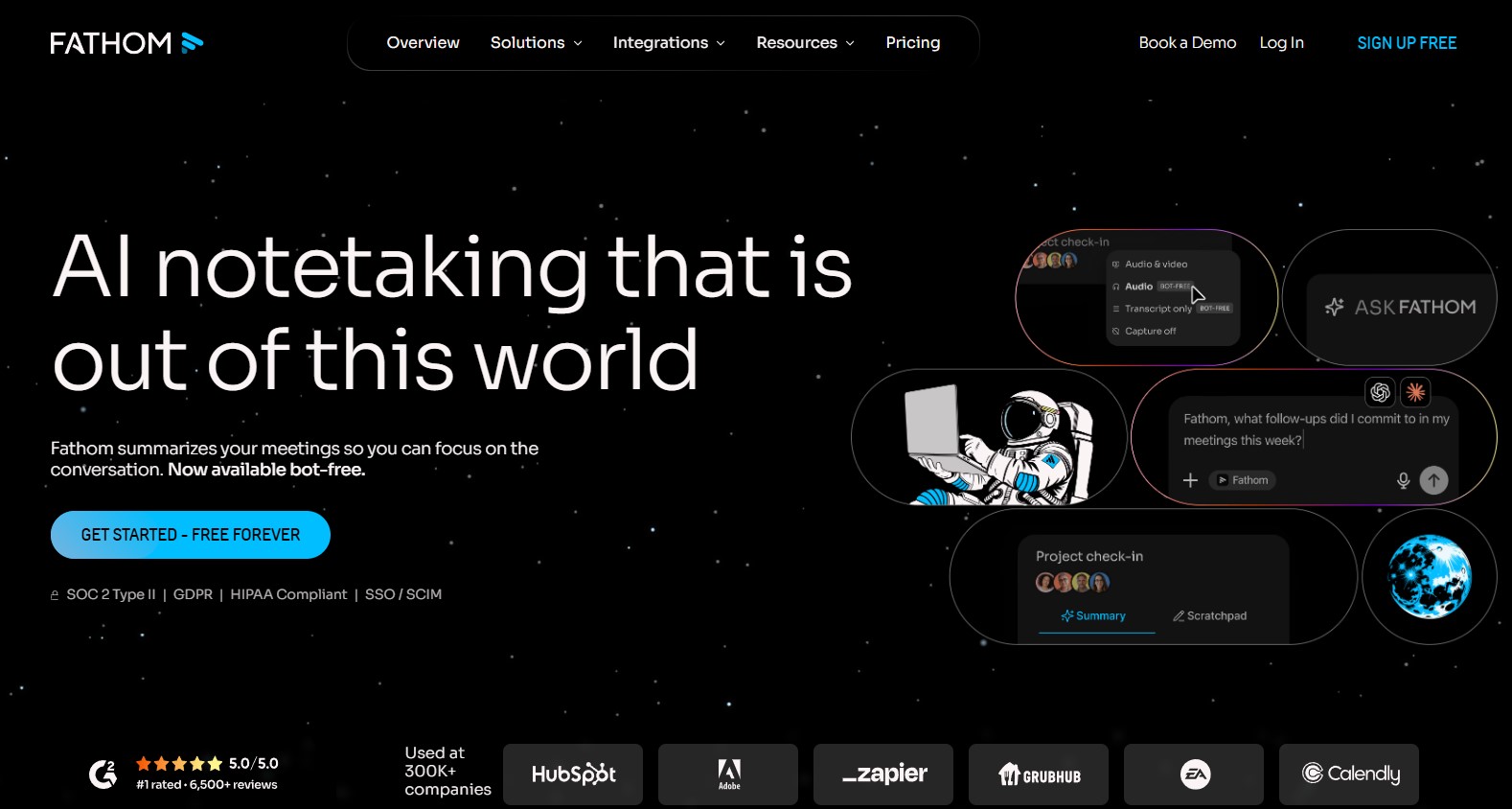
Best suited for: teams that need unlimited-time meeting recordings without the risk of hitting a monthly minute limit.
Price: the free individual plan is officially stated as unlimited in terms of number of recordings, meeting duration, and storage — with no monthly limit or session limit. Paid team plans with advanced CRM integration are available upon individual request.
Advantages: the most generous free plan among all compared tools under the “no time limits” criterion; fast processing — the meeting summary is ready in about 30 seconds after the call ends.
Disadvantages: Fathom’s public documentation does not detail the full list of supported languages as transparently as Fireflies or Notta — official sources claim support for several dozen languages without explicit confirmation of Ukrainian in the list. For critical business negotiations in Ukrainian, this tool should first be tested on a short recording rather than being trusted immediately.
How to register: go to fathom.video → “Get started for free” → email or Google account → install browser extension or app to join Zoom/Google Meet/Teams.
Usage nuance: before relying on Fathom for an important recorded call in Ukrainian, you should make a short 2-3 minute test recording and manually check the recognition quality — the lack of clear public language confirmation means a real risk of getting unreadable or empty results exactly when the transcription is needed most.
How to choose a transcription program for a specific task?
- Live Zoom calls with clients in Ukrainian → Fireflies.ai (unlimited transcription, confirmed Ukrainian) or Notta (higher claimed accuracy, but strict limit on the free plan).
- Transcribing separate audio files, interviews, dictaphone recordings → Notta (direct upload from Google Drive/YouTube) or Whisper (no limits at all if there is a technical capability to set up).
- Negotiations with foreign partners in English → Otter.ai (most convenient live transcription specifically for supported languages).
- Large monthly transcription volumes and a tight budget → Whisper via cloud API — $0.006/min turns out to be much cheaper than subscriptions when used regularly for more than a few hours a month.
Frequently Asked Questions (FAQ)
Is it possible to transcribe a recording made on a phone’s voice recorder rather than during an online call?
Yes, all listed tools, except Otter’s live transcription, support uploading finished audio files (MP3, WAV, M4A) for transcription — this is a standard feature, not a limitation.
How accurately does AI distinguish multiple people speaking at the same time?
Speaker diarization (separating voices by participant) works worse when two people speak at the same time — accuracy drops equally in all tools, so the best practice for important negotiations is to agree not to interrupt each other.
Can I get a translation of the transcript into another language, rather than just text in the same language?
Yes, Notta has a separate feature for real-time translation during recording and afterwards into dozens of languages, while Fireflies and Otter mostly focus on transcription within one selected language without built-in translation.
Does the quality of the microphone affect recognition accuracy more than the choice of tool?
Yes: analytics show that the accuracy of any tool drops from 95% to 80-85% with a poor microphone or background noise — choosing a high-quality microphone for negotiations provides a bigger boost in accuracy than switching from one service to another.
Is it safe to use free plans to record negotiations involving commercial secrets?
On the free plans of some services, data may be used in an anonymized form to improve the model, whereas paid business plans usually offer a separate guarantee that data will not be used for training — this should be verified in the privacy policy of the specific service before recording sensitive negotiations.
Are there any Ukrainian (local) transcription services as an alternative to foreign ones?
At the time of this research, international services (Fireflies, Notta, Otter, Whisper) dominate among the top most popular solutions — there are no separate large Ukrainian products of this level yet, and the choice focuses on which international tools correctly support the Ukrainian language.


comments