
 МИ ПРАЦЮЄМО ДЛЯ УКРАЇНИ
Table of Contents
- What is no-code development and why it became serious
- How artificial intelligence accelerates website and app development
- The evolution of no-code platforms: from builders to serious tools
- Tools for building an MVP without code: what to choose for a specific task
- Can you build a serious project on no-code?
- AI development trends 2026: what has changed right now
- When no-code won’t work and what to do then
- FAQ
What is no-code development and why it became serious
No-code development is the creation of software and websites through a visual interface without writing code. Instead of writing if/else statements or configuring a server, a developer or entrepreneur drags blocks, selects conditions from a list, and clicks “Publish”.
Previously, this approach had one major “but”: everything looked like it was made from a template and didn’t scale as load increased. In 2026, limitations still exist, but they have narrowed significantly. Modern no-code platforms build marketplaces, SaaS products, e-commerce stores with thousands of items, and internal CRM systems that previously required a whole team of developers.
The key shift occurred when AI entered these platforms not just as a feature, but as the primary way of working.
How artificial intelligence accelerates website and app development
Before AI features arrived in no-code platforms, even a basic website required several hours of setup: choosing a template, editing blocks, connecting forms, and setting up the mobile version. Now, this process is reduced to a single prompt.
Here is what AI does right inside no-code platforms in 2026:
- Generates structure from a description. You type “online clothing store with filters by size and color” — the platform automatically creates pages, categories, filters, and a shopping cart.
- Populates content. The AI assistant immediately suggests text copy, headings, and even placeholder images.
- Automates logic. Instead of manually setting up “if user bought X, send email Y” — you describe the scenario in natural language.
- Checks for errors. Many platforms automatically find broken links, empty fields, or mobile responsiveness issues.
According to Adalo, AI-powered no-code reduces development time by 90% compared to the traditional approach. An MVP that used to take 3–4 months can now realistically be put together in 7 days.
“By 2028, 80% of technology products will be built by those who are not technology professionals. Artificial intelligence is the engine driving this expansion.” — Gartner Research, 2026
The evolution of no-code platforms: from builders to serious tools
The first wave of no-code — Wix, Squarespace, early Shopify — solved one problem: giving people without technical knowledge a simple website. Template, logo, “Contact Us” button — and you’re done.
The second wave brought Webflow, Bubble, and Airtable. It became possible to build more complex things: sites with custom CMS, apps with databases, and automated workflows.
The third wave, unfolding right now, is the convergence of no-code with generative AI. Lovable, Framer with its AI mode, and Readdy are platforms where a website or app appears after a text description, rather than after hours of dragging blocks around.

Tools for building an MVP without code: what to choose for a specific task
There is no single best tool. The choice depends on exactly what you are building.
| Task | Platform | Time to Launch | Cost / Month |
| Landing page or portfolio | Framer | 1–2 days | from $0 |
| Online store (E-commerce) | Shopify | 3–7 days | from $29 |
| SaaS or marketplace | Bubble | 1–4 weeks | from $32 |
| Content website and SEO | Webflow | 1–2 weeks | from $23 |
| Internal tool or CRM | Retool / Glide | 3–5 days | from $10/user |
| MVP via prompt (AI generation) | Readdy / Lovable | 1–3 days | from $0 |
Table 1. Comparison of no-code platforms by task type in 2026
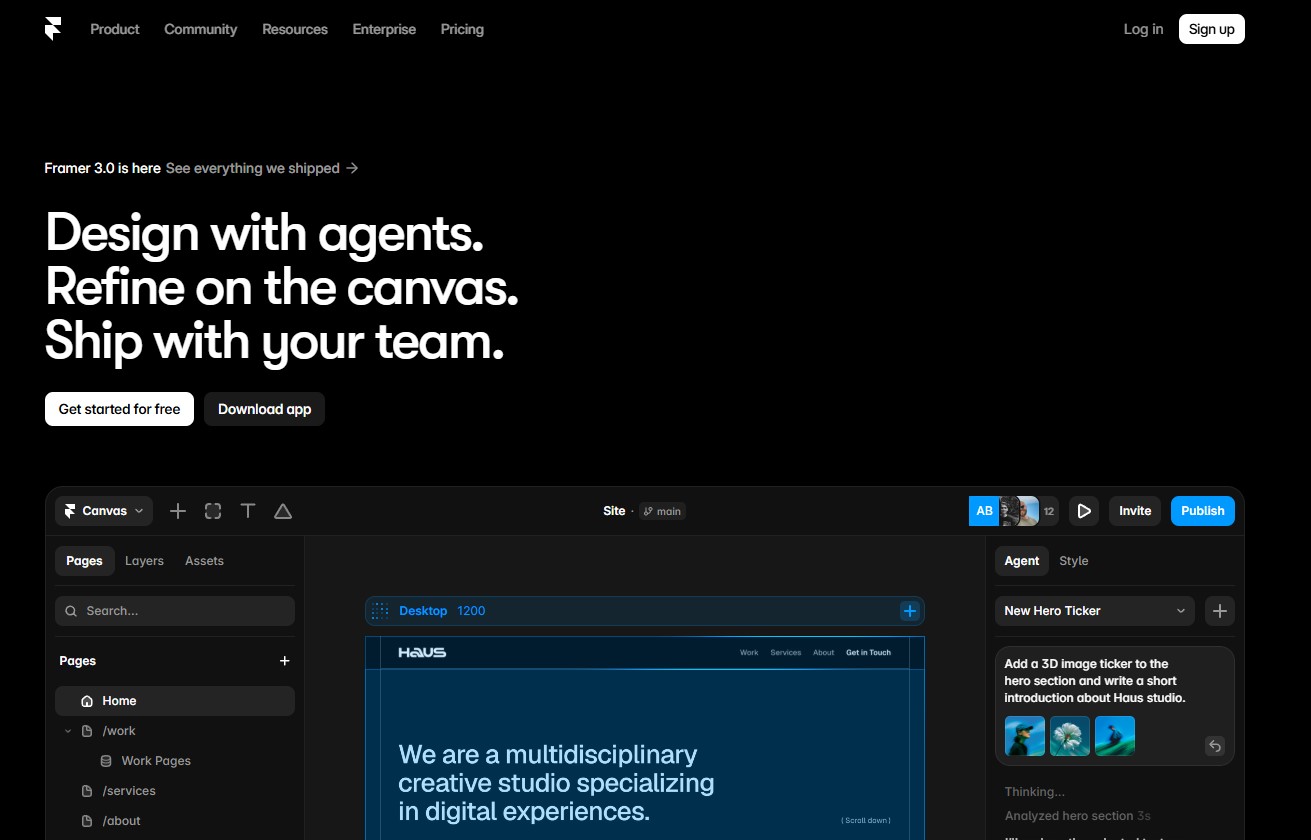
Framer — for quick starts and design-oriented projects
Framer is the closest thing to Figma among no-code platforms. If you or your designer already work in Figma, transitioning to Framer takes hours, not weeks. Framer’s AI mode generates a complete website from a prompt, automatically adapts it for mobile devices, and immediately allows you to edit any element manually.
- When Framer fits: landing pages, portfolios, startup websites, marketing pages.
- When it doesn’t fit: a full-fledged e-commerce store (lacks native e-commerce), a large content site with hundreds of articles.
Shopify — for an online store from day one
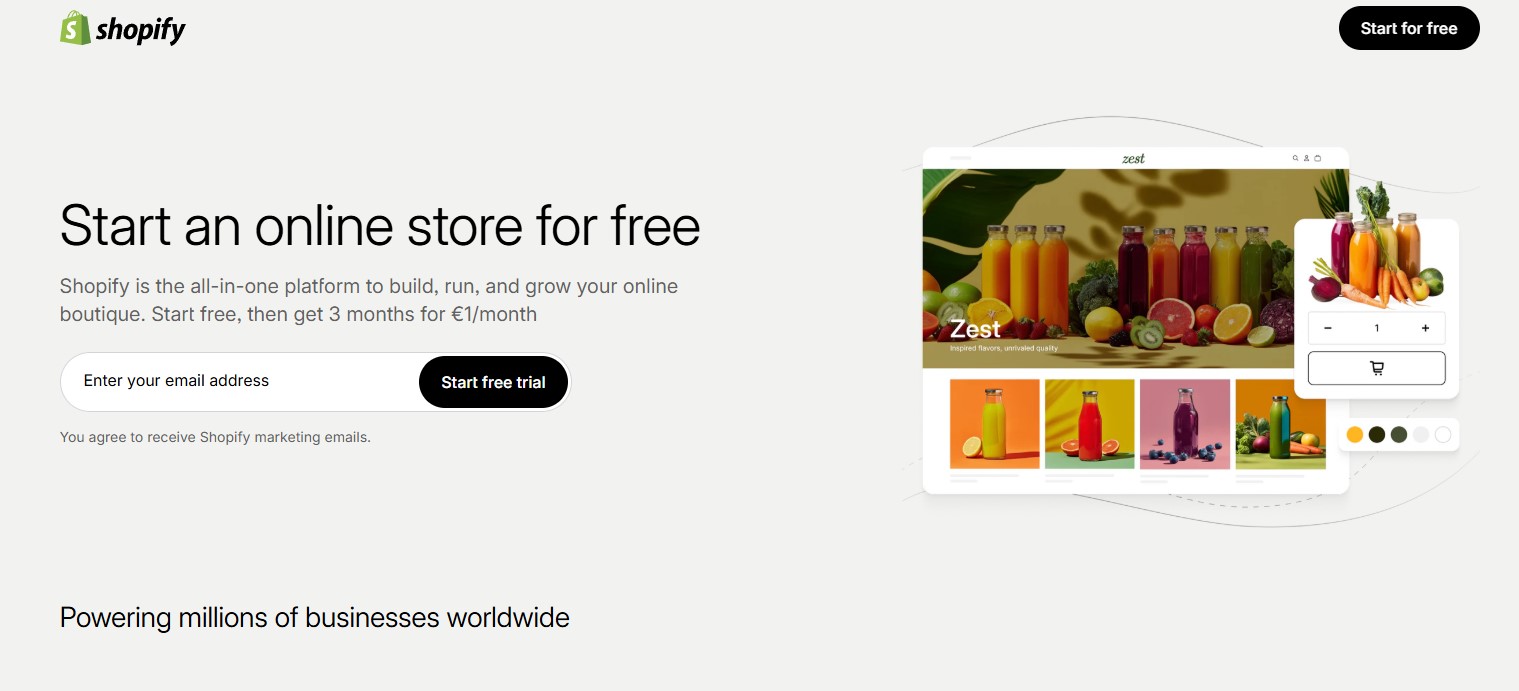
For creating an online store using artificial intelligence, Shopify remains the standard. In 2026, the platform added Magic — an AI assistant that generates product descriptions, automates email newsletters, and suggests settings to increase conversion. Google’s Universal Cart partners — Nike, Sephora, Target, Walmart — are all on Shopify or compatible platforms.
- Real case: an online store from scratch to the first sale in 3–7 days, provided you have a product catalog ready.
Bubble — for complex apps without a dev team
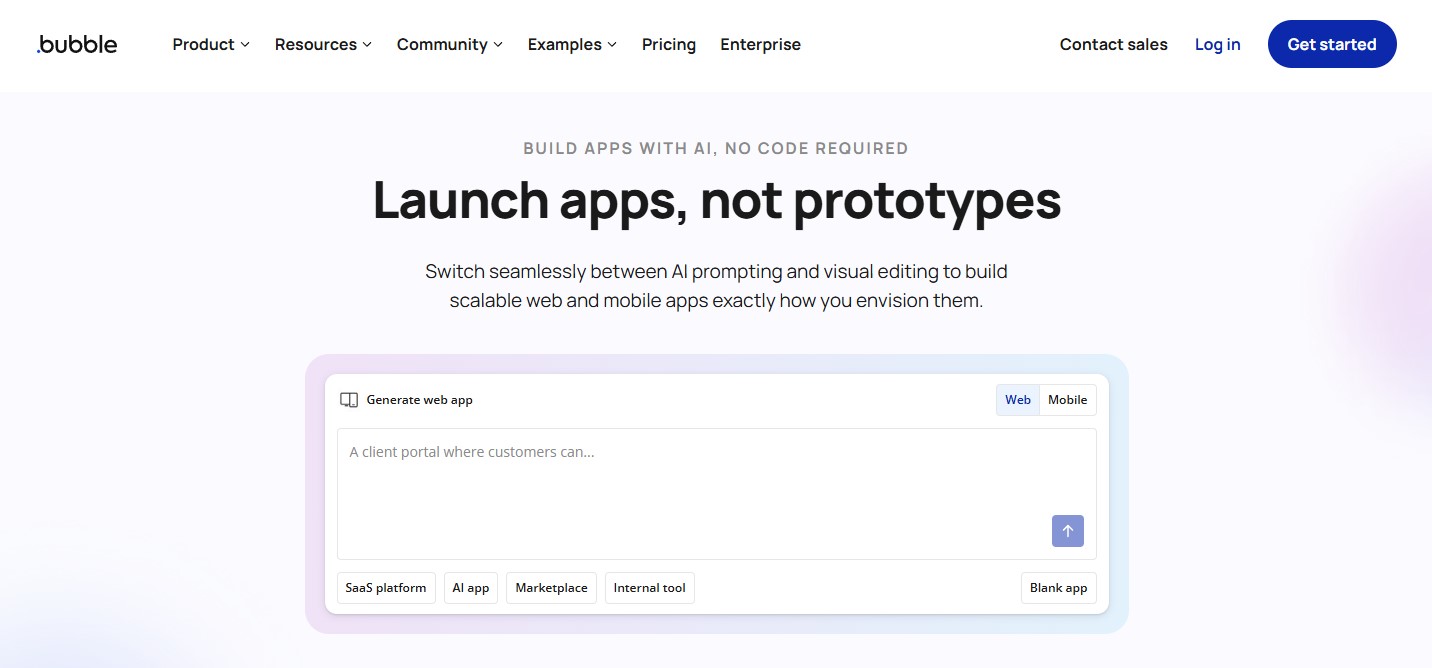
Bubble is the only no-code platform where full SaaS products, marketplaces with complex logic, and mobile apps are built entirely without code. In 2026, Bubble connects to OpenAI, Anthropic, and other LLMs via its API Connector — meaning you can embed a chatbot, classifier, or content generator directly into the app.
- Limitations: the platform slows down as traffic grows. Large projects with thousands of simultaneous users require thorough optimization or a transition to custom development.
Webflow — for websites with serious SEO
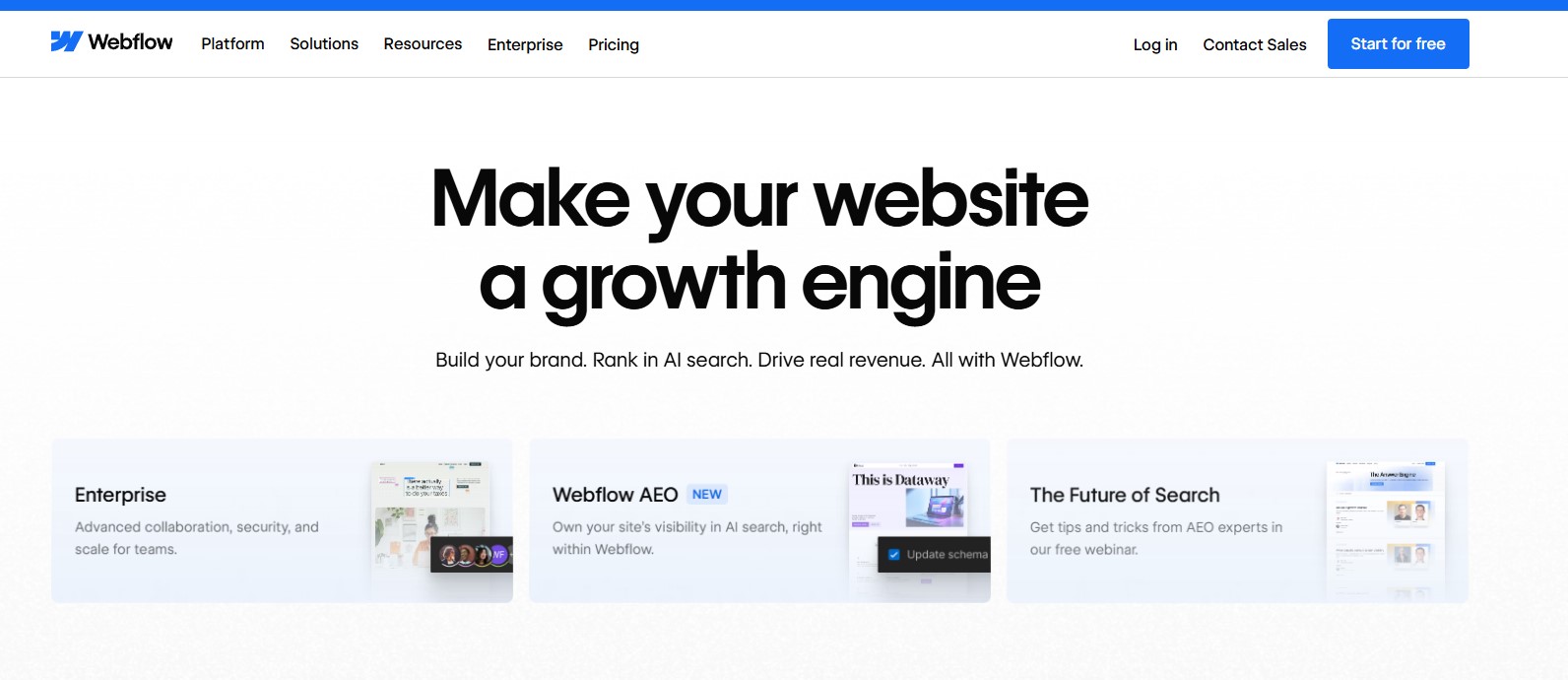
Webflow offers pixel-perfect control over design and boasts the most powerful CMS among no-code platforms. In 2026, they added native AEO (Answer Engine Optimization) auditing and ML-powered translation for localization. If content is the core of your business and search engine ranking is vital, Webflow remains the best choice among no-code tools.
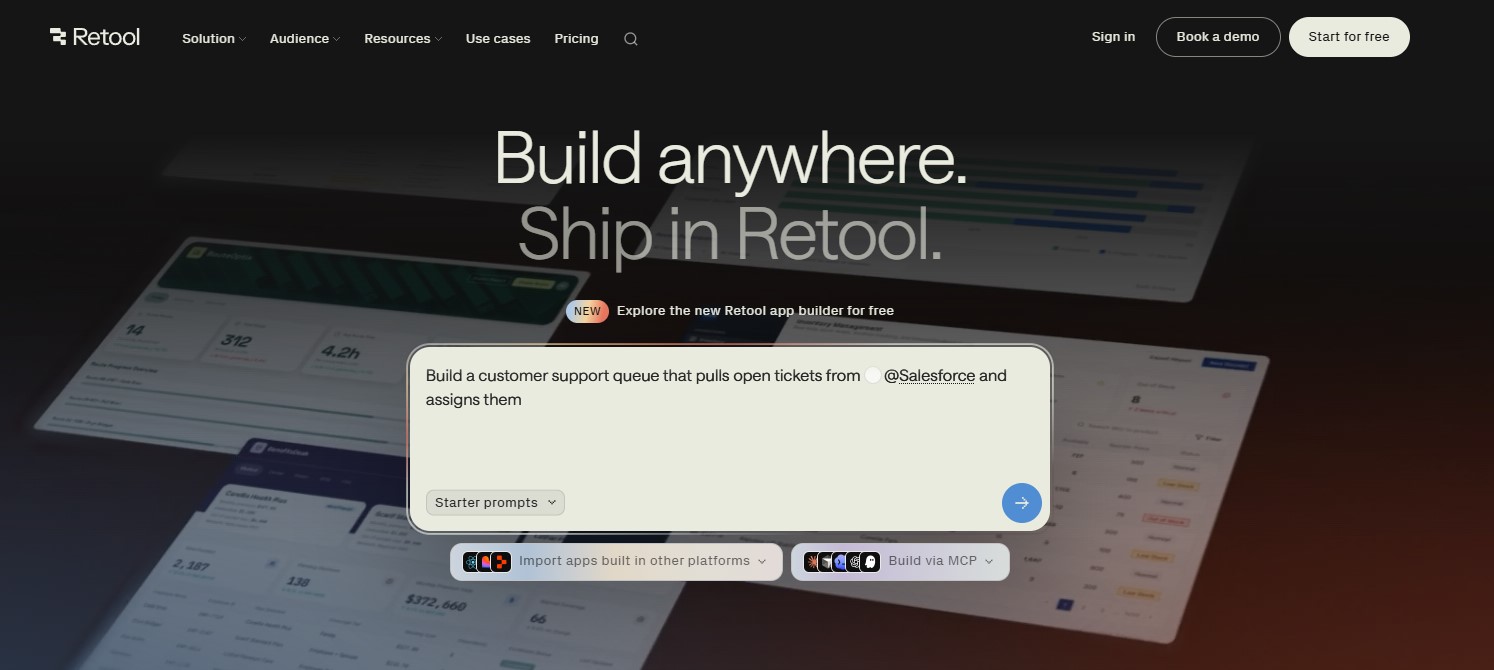
Retool — for internal tools and admin panels
Retool is targeted at internal products rather than public websites: admin panels, dashboards, and interfaces for operations teams. The principle is simple — connect a database or an API and assemble a user-friendly interface to manage data without involving a developer. Connecting to PostgreSQL, MySQL, Salesforce, or Stripe takes minutes. Retool’s AI assistant generates SQL queries and automation logic from a natural language description.
- When Retool fits: the support team needs a handy interface to manage the customer database; the operations team wants a dashboard to track orders without building a separate module in the CRM.
- When it doesn’t fit: public websites, marketing landing pages, customer-facing applications.
Glide — for mobile apps from Google Sheets or Airtable
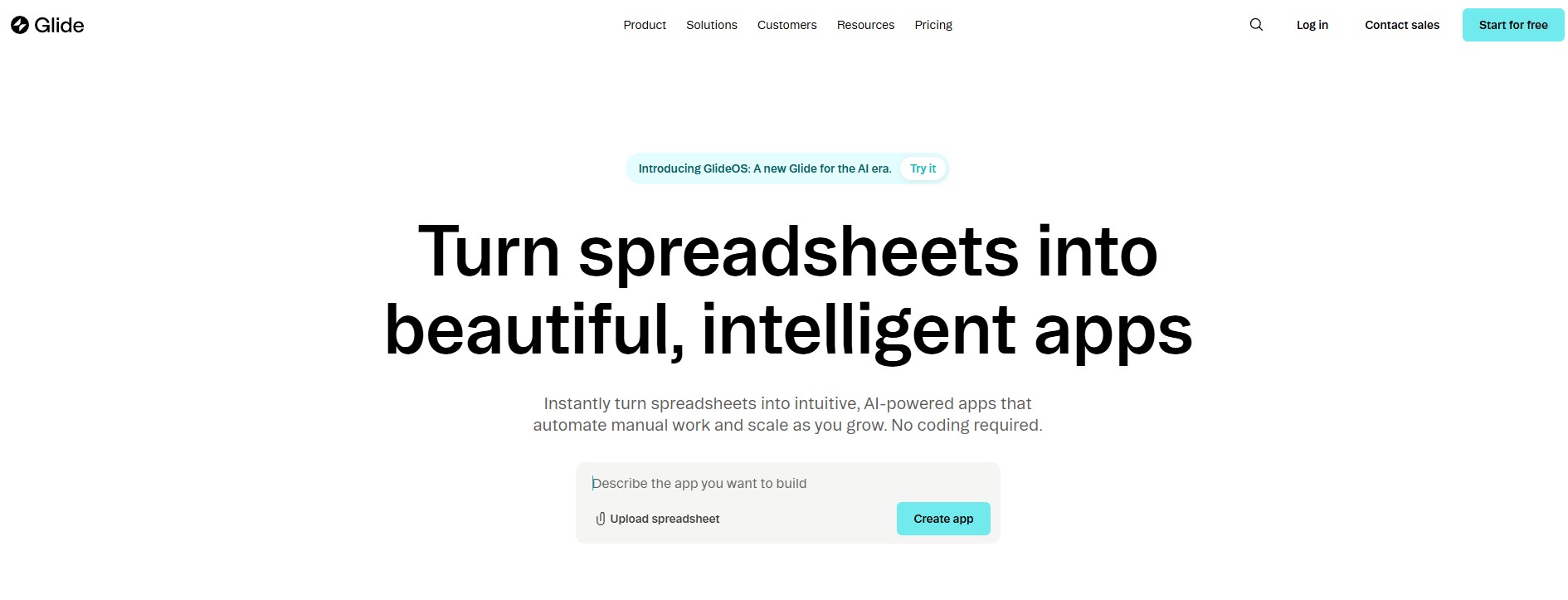
Glide turns a spreadsheet — Google Sheets, Airtable, or Excel — into a fully functional mobile app in just a few hours. A freight shipping founder can build a flight/trip tracking app from the spreadsheet they already maintain. A restaurant can publish a menu and ordering system without a developer. In 2026, Glide added AI components: automatic record classification, text generation, and display personalization based on the specific user.
- When Glide fits: the team already has a data spreadsheet and needs a mobile interface for it; an internal directory, checklist, or task tracker for a field team.
- When it doesn’t fit: complex business logic, massive data volumes, products with thousands of simultaneous users.
Lovable — for generating a complete app from a prompt
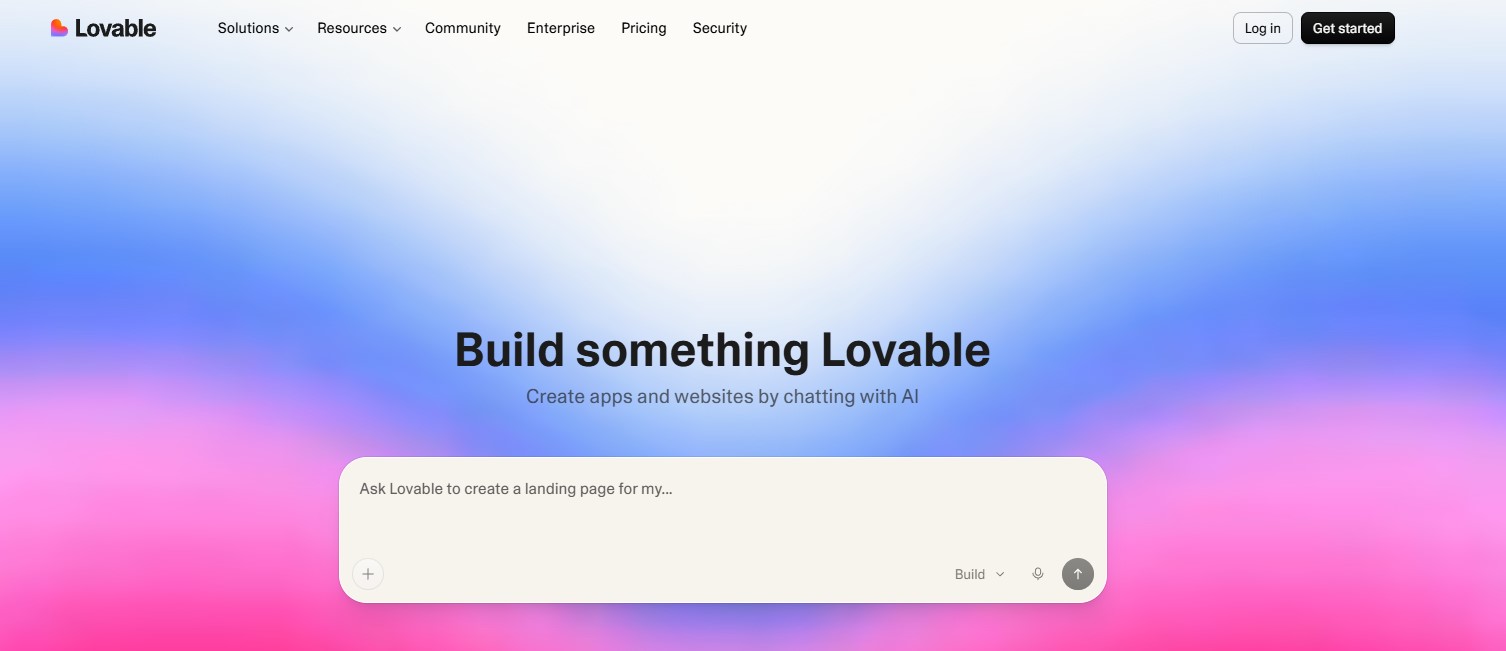
Lovable is a representative of the new wave of “vibe coding” platforms. You describe a product (“a doctor’s appointment app with a patient portal and a doctor’s calendar”), and Lovable generates working React application code that deploys instantly. Unlike traditional no-code, the platform outputs real code — you can download it, modify it, or move it to another hosting provider.
- Key advantage: no vendor lock-in. The code belongs to you.
- When it fits: a technical founder or a team with a developer wants to start fast while retaining flexibility for future customization.
- When it doesn’t fit: a non-technical team with zero code experience — the generated result still requires an understanding of what was produced.
Readdy — for a website in 60 seconds with no skills required
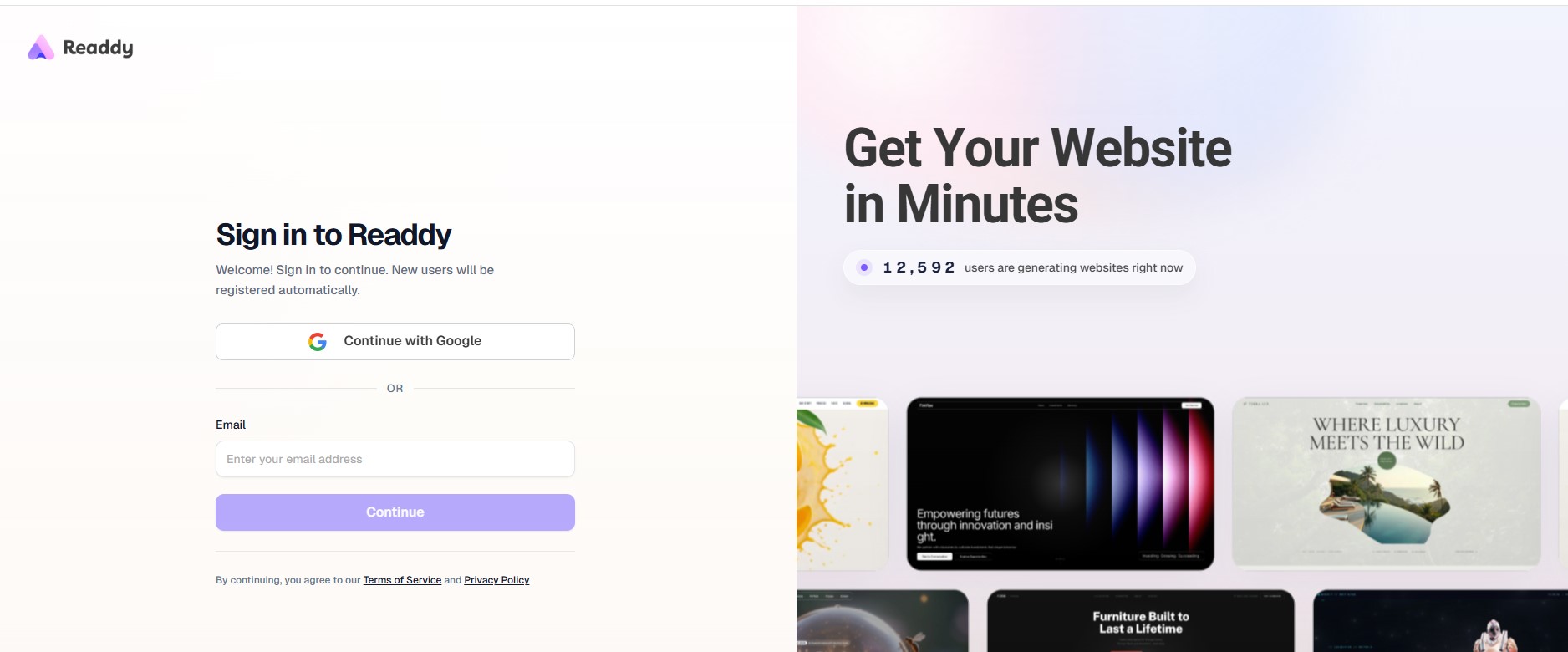
Readdy is the fastest path from an idea to a live website. You describe the site in text — you get a published result in less than a minute. No dragging blocks, no choosing templates. The tool is geared towards validating an idea or spinning up a quick landing page to check demand before committing to more serious development.
- When Readdy fits: you need to test an idea in minimal time; a landing page for an ad campaign with a tight deadline.
- When it doesn’t fit: a complex site with its own content, e-commerce, or dynamic pages — Readdy is not meant for this.
Can you build a serious project on no-code?
The answer depends on what you consider “serious.”
Today, Bubble powers SaaS products with hundreds of thousands of users. Shopify runs stores with millions in turnover. Webflow handles corporate sites for Fortune 500 companies.
But there are clear lines where no-code stops hitting the mark:
- Regulatory compliance. Fintech, medtech, insurance — areas requiring SOC 2 Type II or HIPAA certification. No-code platforms either don’t support the necessary controls or require significant custom modifications.
- High concurrent loads. Trading platforms handling thousands of transactions per second push past the performance limits of most no-code solutions.
- Unique business logic. If your product *is* the algorithm itself (an ML model, proprietary analytics, complex math), no-code will only serve as a wrapper around custom code, not a replacement for it.
“The smartest startups in 2026 don’t choose one over the other — they use both at the right time.” — Monu Research, No-Code vs Custom Development 2026
The “80/20” rule for no-code: platforms perfectly cover 80% of typical business tasks. The remaining 20% — complex custom logic, niche integrations, regulatory requirements — require either low-code with custom programming or full-fledged custom development.
According to Chop Dawg, 78% of enterprise no-code projects sooner or later require custom code. 25–30% of no-code projects are completely rewritten within two years — not because the platform is bad, but because the choice wasn’t matched to the proper objectives.
AI development trends 2026: what has changed right now
In 2026, several distinct trends have taken shape, influencing tool selection:
Vibe coding — a new term for an approach where a developer describes the desired outcome in natural language, and the AI generates the code or configuration. Lovable, Bolt, and Cursor are tools of this class. 85% of developers now regularly use AI tools while writing code (Modall, 2026).
Citizen development — business analysts, marketers, and product managers are independently building internal tools without reaching out to the IT department. Gartner notes that 60% of custom apps are now created outside IT departments.
Hybrid architecture — the smartest teams validate an idea using no-code, and after confirming product-market fit, move to custom development for scaling. This saves 40% to 60% of the budget during the hypothesis testing phase.
When no-code won’t work and what to do then
There are situations where no-code isn’t the answer, but rather a source of technical debt:
- The product requires specific integrations with legacy enterprise systems
- The business logic is so unique that the platform lacks corresponding components
- Full ownership of code and data is required without vendor lock-in
In these cases, no-code can still be useful for a prototype — to show stakeholders or check demand — but the core product is better built on a different foundation.
For such projects, product development outsourcing provides an edge: a team of specialists selects the right tech stack for the specific task instead of bending to a platform’s constraints.
Frequently Asked Questions
1. What is no-code development in simple terms?
No-code is when a website or app is built without writing code. Like a building kit: you drag blocks, configure logic through menus, and publish. In 2026, AI went even further — now some platforms generate the entire site from a text description.
2. Which apps for building no-code software are popular in 2026?
Bubble — for complex apps and SaaS. Webflow — for content websites and SEO. Framer — for landing pages and startup sites. Shopify — for online stores. Retool and Glide — for internal tools and CRMs. Lovable and Readdy — for site generation via prompts.
3. Can you launch a fully functional online store using no-code?
Yes. Shopify is a no-code platform that handles stores with billion-dollar turnovers. For a launch or a mid-sized business, no-code is completely sufficient. Limitations only pop up with niche legacy ERP integrations or highly unique pricing logic.
4. How much does it cost to launch an MVP on no-code?
From $500 to $2,000 for the first month — including the platform subscription, a template, or design. Compared to $30,000+ for classic development, it’s a fundamental difference for validating a hypothesis.
5. Which AI development trends are relevant in 2026?
Vibe coding — code generation via text description. Citizen development — business teams building tools independently. Hybrid architecture — no-code for the MVP, custom for scaling. AI content and logic generation right inside the platforms (Shopify Magic, Framer AI, Bubble AI Connector).
6. When is no-code a bad fit, requiring custom development?
When the product requires strict compliance/certification (fintech, medtech), when the user load exceeds the platform’s limits, or when the business logic is so unique that no-code tools simply cannot support it. Statistically, 78% of enterprise no-code projects end up requiring custom code sooner or later.




comments