
 МИ ПРАЦЮЄМО ДЛЯ УКРАЇНИ
Contents
- What is Google My Business and why your company needs it
- How to register for Google My Business: step-by-step
- Setting up Google My Business: what to fill in
- How to promote Google My Business: what really works
- Promoting your company on Google: three ranking factors
- Common mistakes that negate all your efforts
- How to track results
- Summary: where to start today
What is Google My Business and why your company needs it
When you search for “hairdresser nearby” or “plumber Kyiv”, Google shows you more than just websites — it displays a card with the name, address, rating, photos, and phone number. This is the Google Business Profile.
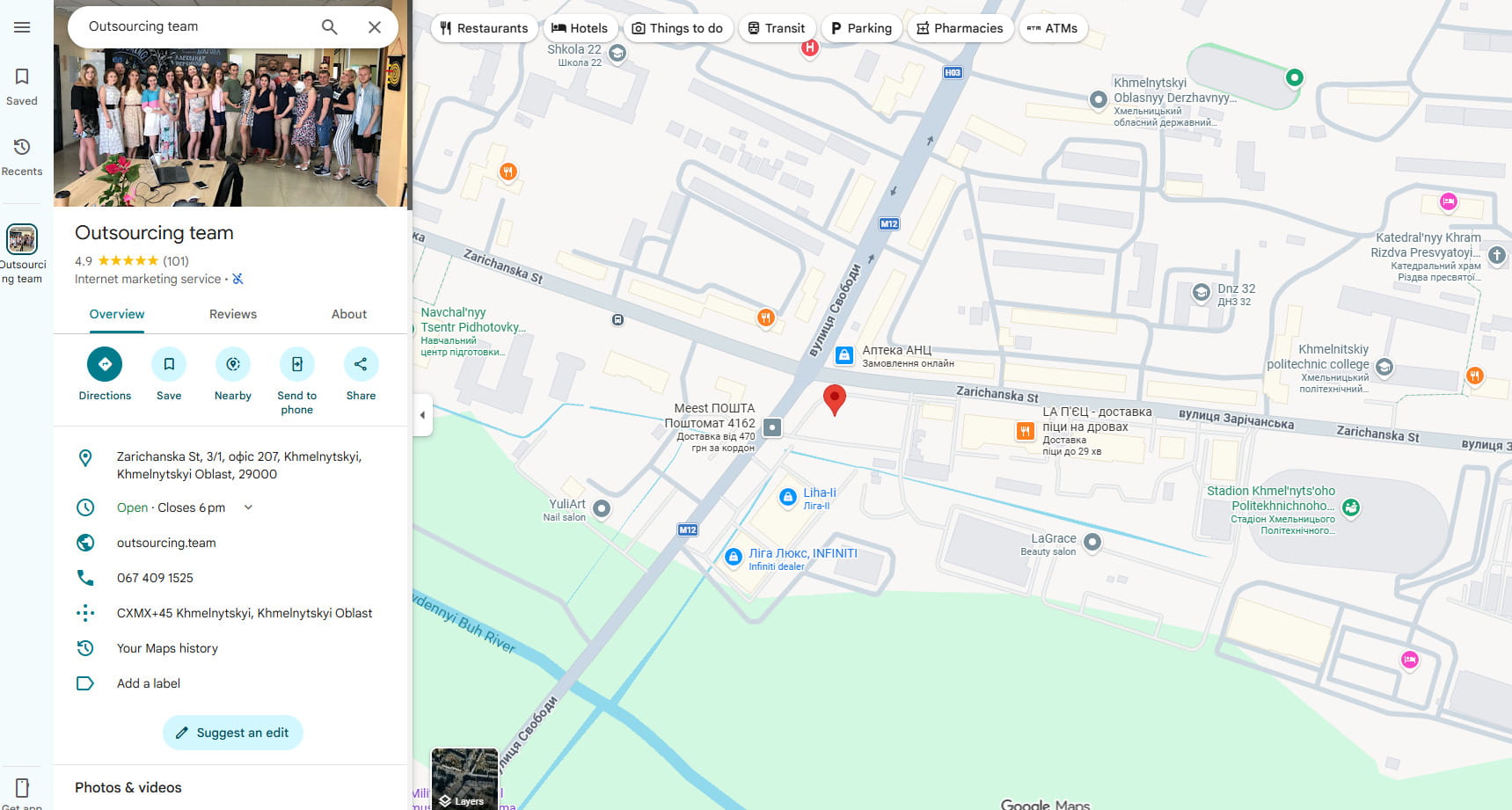
A Google Business Profile is a free tool for managing how a company appears on Google Maps and Search. For a local business, a well-optimized profile is often just as important as having a website.
The numbers speak for themselves:
- Companies with complete and up-to-date Google Business profiles are 7 times more likely to attract customers and convert them into sales.
- Customers are 70% more likely to visit and 50% more likely to consider a purchase from a business with a fully completed profile.
- 83% of consumers search for reviews of local businesses specifically on Google.
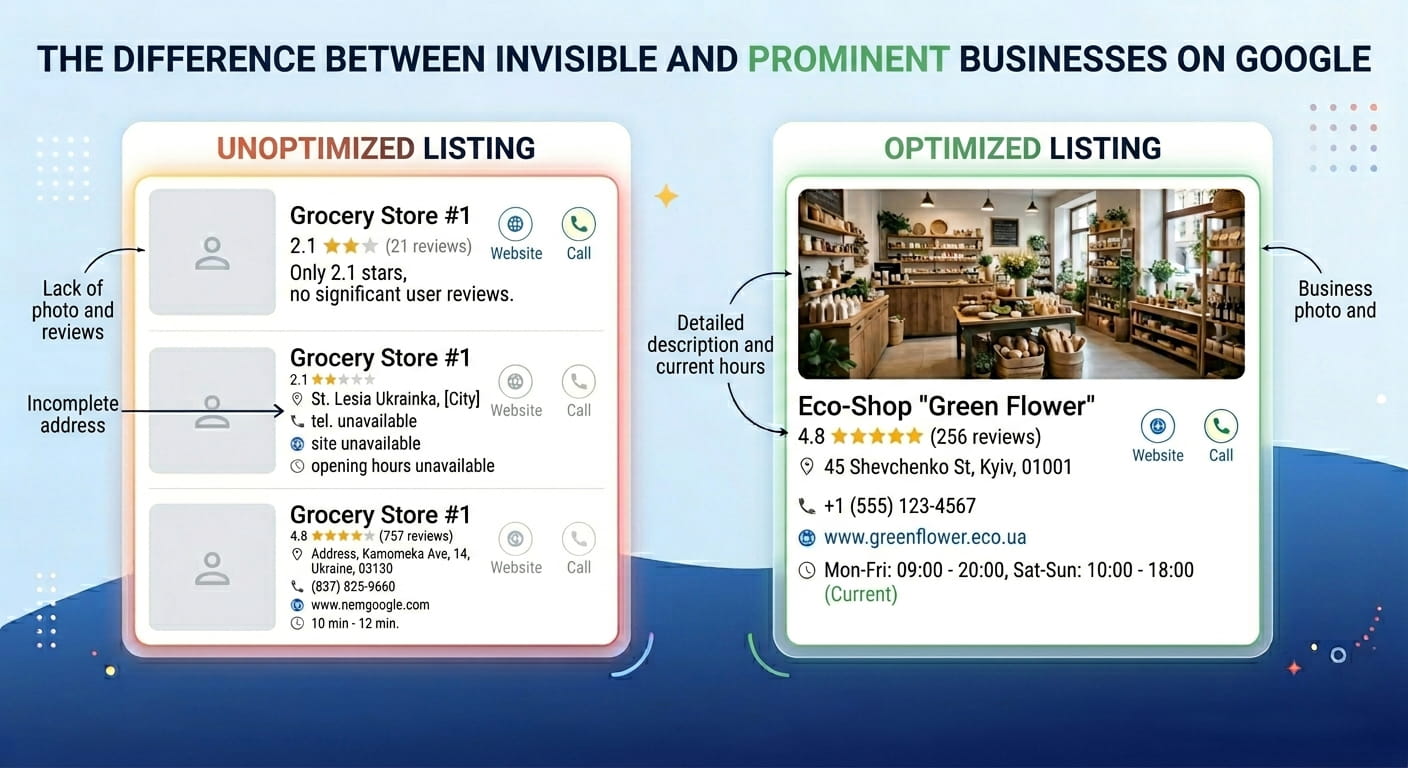
If there is no profile, or if it is empty, the company is simply invisible to potential buyers.
How to register for Google My Business: step-by-step
You don’t need technical skills to create a Google business account. The entire process takes from 15 to 30 minutes.
Step 1. Check if your profile exists on Google
Before registering with Google Business, enter your company name in the search bar. If the profile already exists, someone else may have created it automatically, or it was created by a previous owner. In that case, click “Is this your business?” and claim ownership.
Step 2. Create or claim a profile
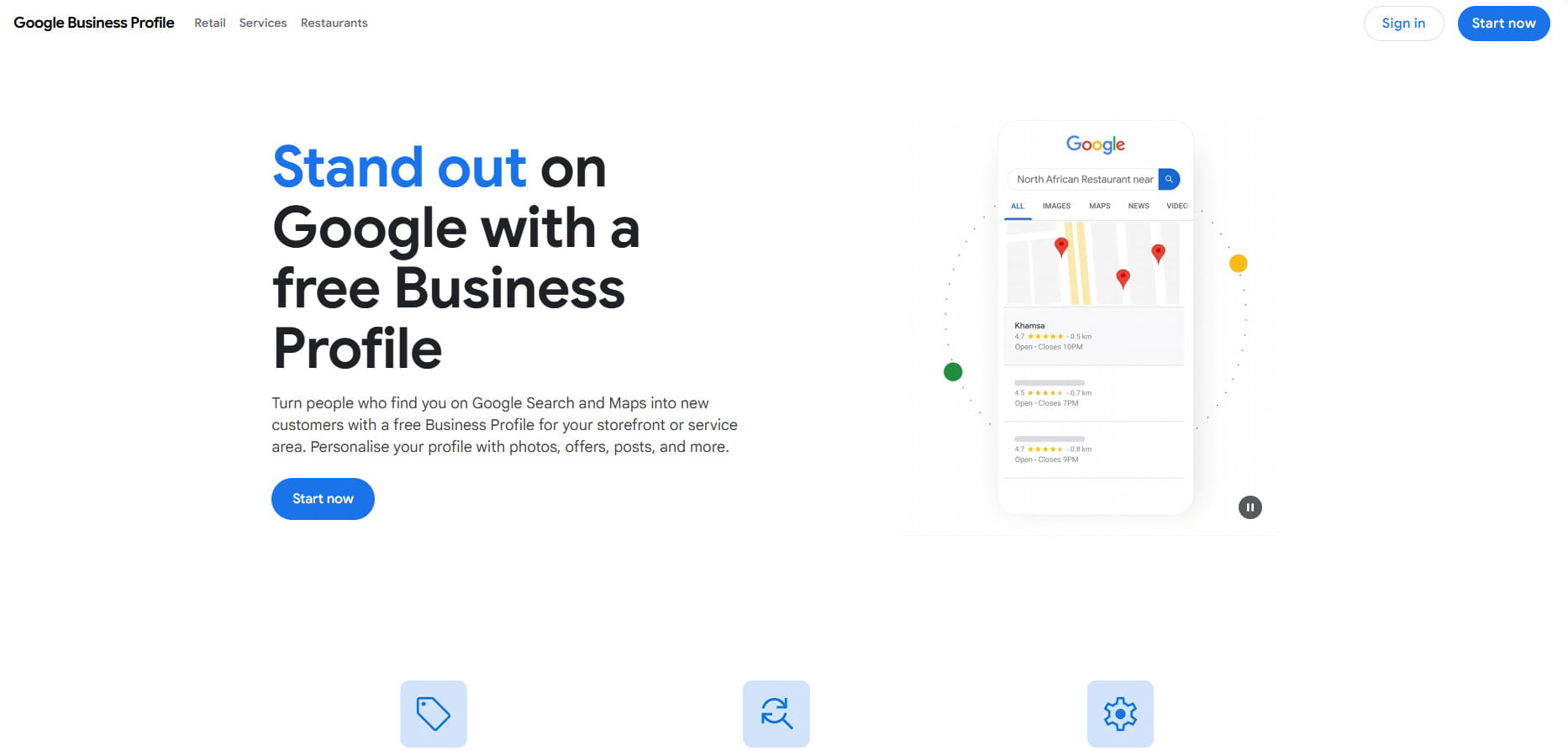
Go to business.google.com and click “Manage now”. Enter:
- the official company name (exactly as it is registered);
- business category — for example, “Dental clinic” or “Online store”;
- address or service area (if you visit customers);
- phone number and website address.
Step 3. Verify the company
Verification confirms that you truly represent this business. Google offers several methods:
| Verification Method | Processing Time | Suitable for |
| Postcard by mail | 5–14 days | Physical addresses |
| Phone or SMS | Instant | If number is linked to address |
| Instant | Certain business categories | |
| Video recording | 1–3 days | New 2024 Google requirements |
In 2024, Google tightened verification requirements: duplicate profiles, outdated information, or inconsistencies can lead to instant suspension. The quality bar has been raised, and profiles that do not meet the requirements disappear from search results.
Setting up Google My Business: what to fill in
After verification, the main work begins. Here is what determines how highly your business will appear in search results.
Business category — the most important step
Local search experts are unanimous: the primary category in your Google Business Profile is the #1 factor affecting your position in local search results.
Choose your category as accurately as possible. If you do apartment renovations, don’t just choose “Construction”. “Apartment renovation” or “Finishing work” is better. Google allows you to choose multiple categories — use this opportunity.
Company description
Write 2–3 sentences about what you do and why clients choose you. There is no need to list keywords — write for a human being. For example:
“Law firm with 10 years of experience in family and corporate law. We provide consultations in Kyiv and remotely. First consultation is free.”
Photos and videos
Profiles with photos receive twice the trust and about 35% more clicks compared to profiles without images.
What to add:
- logo and cover photo
- photos of your office, store, or production facility, both inside and out
- photos of the team
- examples of work or products
Expert opinion: “We exist in a highly visual internet culture. If businesses invested even half the effort into building a photo portfolio on GMB that they invest in Instagram, their positions would be much better.” — Claire Carlile, local marketing expert.
How to promote Google My Business: what really works
Registration is just the beginning. Promoting your company on Google via your Business Profile requires systematic work.
Customer reviews — your most powerful tool

In 2024, Google reviews accounted for 81% of all online reviews, making Google the dominant source of social proof for quality in almost every industry.
Each additional review that a business receives generates an average of 80 additional website visits, 63 direction requests, and 16 phone calls.
How to get more reviews:
- ask satisfied customers to leave a review right after work is completed
- send a review link via SMS or email newsletter
- respond to every review — both positive and negative
88% of consumers are willing to use a business’s services if it responds to both positive and negative reviews. Conversely, only 47% will consider a company that does not respond at all.
Expert opinion: “Google My Business Insights aren’t perfect, but they point the way. They are a guide, not absolute truth.” — Ben Fisher, Google My Business certified expert and co-founder of Steady Demand.
Profile posts
A Google Business Profile allows you to publish news, promotions, and event announcements directly in the company card. Do this at least once every 1–2 weeks. This signals to Google that the profile is active.
Questions and answers
The profile has a Q&A section for visitor questions. Don’t wait for someone to ask. Add 5–10 of the most frequently asked questions yourself and provide clear answers. This saves customers time and builds trust.
Promoting your company on Google: three ranking factors
Google decides who to rank higher based on three criteria:
- Relevance — how well your profile matches the search query. The more completely the profile is filled out, the higher the relevance.
- Distance — how far the company is from the person searching. If someone searches for “coffee shop”, Google will show those nearby.
- Prominence — reviews, links to the site, profile activity. According to Google, organic search ranking also affects positions in local search — so basic SEO principles for your site remain relevant.
Companies in the top 3 of the local pack receive 126% more traffic and 93% more actions (calls, website clicks, route requests) compared to those in positions 4–10.
If you want to get your business into the top of Google, you can use the services of professionals who specialize in promotion on Google Maps.
Common mistakes that negate all your efforts
Here is what most often prevents companies from appearing in search results:
- Incorrect category. An incorrect primary category is the biggest negative ranking factor for local search.
- Outdated information. 62% of consumers would choose another company if they found incorrect information online.
- Lack of reviews or ignoring them. Silence in response to a negative review is damaging to your reputation.
- Empty profile without photos. People do not trust companies without a single image.
- Duplicate profiles. Two profiles for one address is a violation of Google rules and carries a risk of suspension.
Expert opinion:“An optimized Google Business Profile is one of the most effective ways to attract potential customers without spending on advertising. Every small step pays off.” — Aztek Web team, digital marketing agency.
How to track results
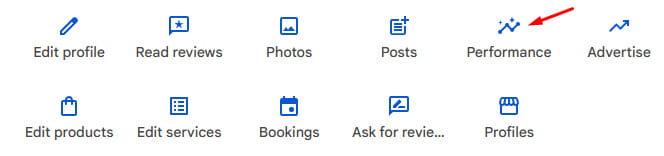
Google Business Profile provides built-in analytics. In the “Performance” section you will see:
- how many times the profile appeared in search
- how many people visited your website
- how many people called or requested directions
- what queries they used to find you
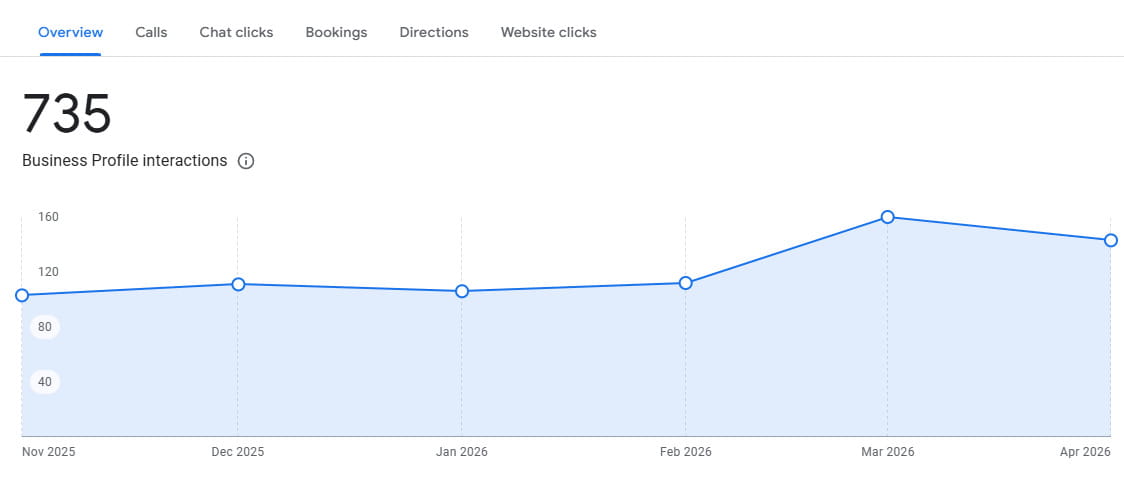
A typical company receives 59 actions from its Google Business profile every month. 56% of them are clicks to the website.
Track these indicators once a month. If the number of views is growing but there are no actions, the problem is in the profile content: add more photos, address reviews, update the description.
Summary: where to start today
To register for Google My Business and make your company visible in search, follow this plan:
- Go to business.google.com and create or claim your profile
- Complete verification — choose the fastest available method
- Fill in all fields: name, category, description, address, phone, website, business hours
- Upload at least 10 photos
- Ask your first customers to leave a review
- Publish updates every 1–2 weeks
- Respond to reviews and questions
Setting up Google My Business requires no budget — only time and consistency. Companies that do this systematically get customers for free, while competitors spend money on advertising.



comments