
 МИ ПРАЦЮЄМО ДЛЯ УКРАЇНИ
Table of Contents
- Which free AI tools are truly worth the attention of small businesses?
- ChatGPT — a versatile text assistant
- Google Gemini — research and working with large volumes of text
- Canva (Magic Studio) — design and content for social media
- Gamma — presentations and commercial proposals in minutes
- SendPulse — marketing, newsletters, and chatbots in one place
- Otter.ai — transcribing meetings and calls
- How to combine multiple free tools without losing time?
- Frequently Asked Questions (FAQ)
Which free AI tools are truly worth the attention of small businesses?
Tool Comparison Table
| Tool | Purpose | Free Plan Limit | Paid Plan Price |
| ChatGPT | texts, consultations, brainstorming | ~10 messages on the flagship model every 5 hours, then a lighter model | from $20/mo (Plus) |
| Google Gemini | research, document analysis | floating limit that refreshes every 5 hours; 32K tokens context; no Gmail/Docs integration | $19.99/mo (AI Pro) |
| Canva (Magic Studio) | design, social media, visuals | approximately 50 uses of AI functions per month | $15/mo (Pro) |
| Gamma | presentations, commercial proposals | 400 credits one-time (not monthly), ~8–10 presentations | from $8–10/mo (Plus) |
| SendPulse | email/SMM newsletters, chatbots, AI assistant | 3 channels, 10 scheduled posts per channel, 100 ideas/mo | depends on the number of subscribers |
| Otter.ai | transcribing meetings | 300 min/mo, up to 30 min per session, English/French/Spanish only | from $8.33/mo (Pro) |
ChatGPT — a versatile text assistant
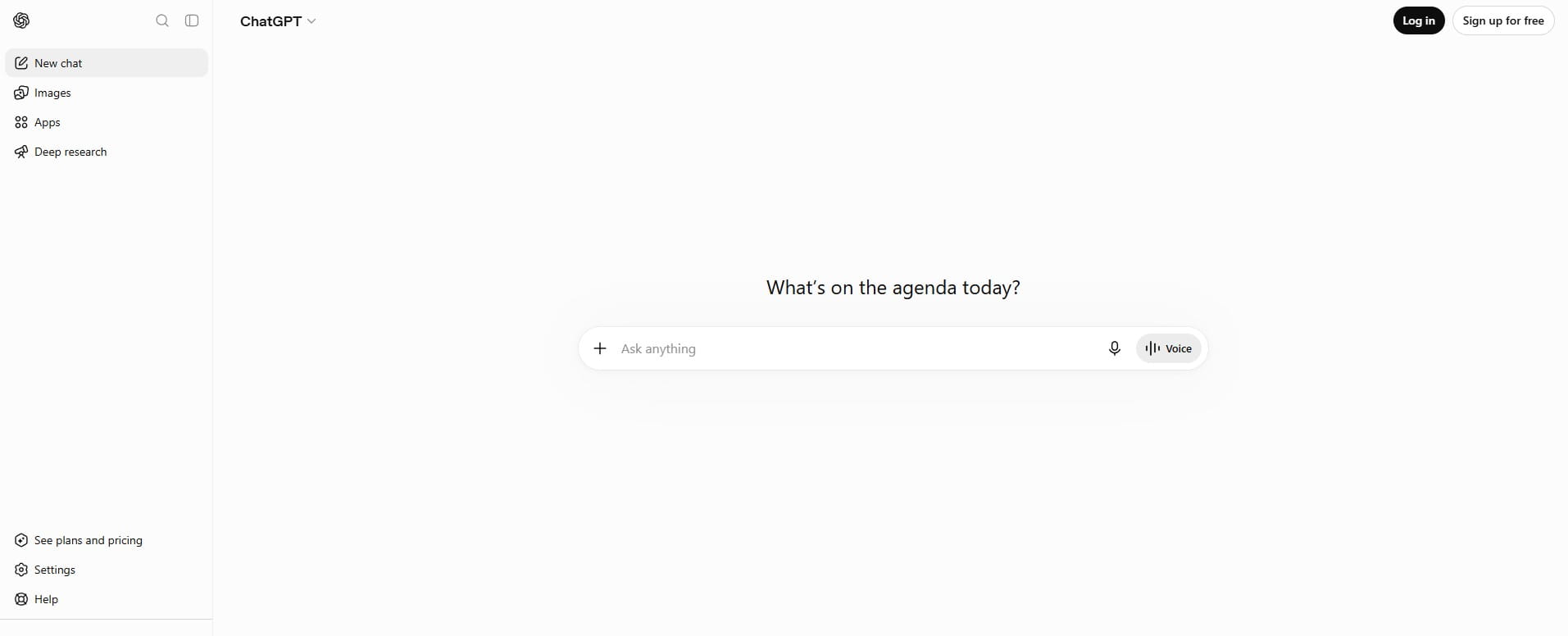
What it is suitable for: writing posts, emails to clients, answers in chat support, brainstorming ideas, translation, first draft of any text.
Price: the free plan works without time limits but provides approximately 10 messages on the top model every 5 hours — after that, the chat automatically switches to a lighter “mini” version of the model until the next limit reset. The paid Plus plan costs $20/month and provides about 160 messages every 3 hours plus access to the advanced reasoning mode.
Advantages: the broadest knowledge base and the best text quality among free chatbots; requires no software installation — works in the browser; conversation history is saved.
Disadvantages: the limit on the free plan is unpredictable for active daily use (switching to a weaker model in the middle of the workday); no access to large file analysis and full-scale image generation; no API on the free plan for custom automation.
How to register: go to chatgpt.com → “Sign up” → enter your email or log in via Google/Apple account → confirm your email → start a new chat. A credit card is not required to register for the free plan.
Nuance of use: if you turn off personalized ads in the settings (privacy option), the message limit on the free plan is further reduced — it is worth knowing this before blaming the service for “broken” limits.
Google Gemini — research and working with large volumes of text
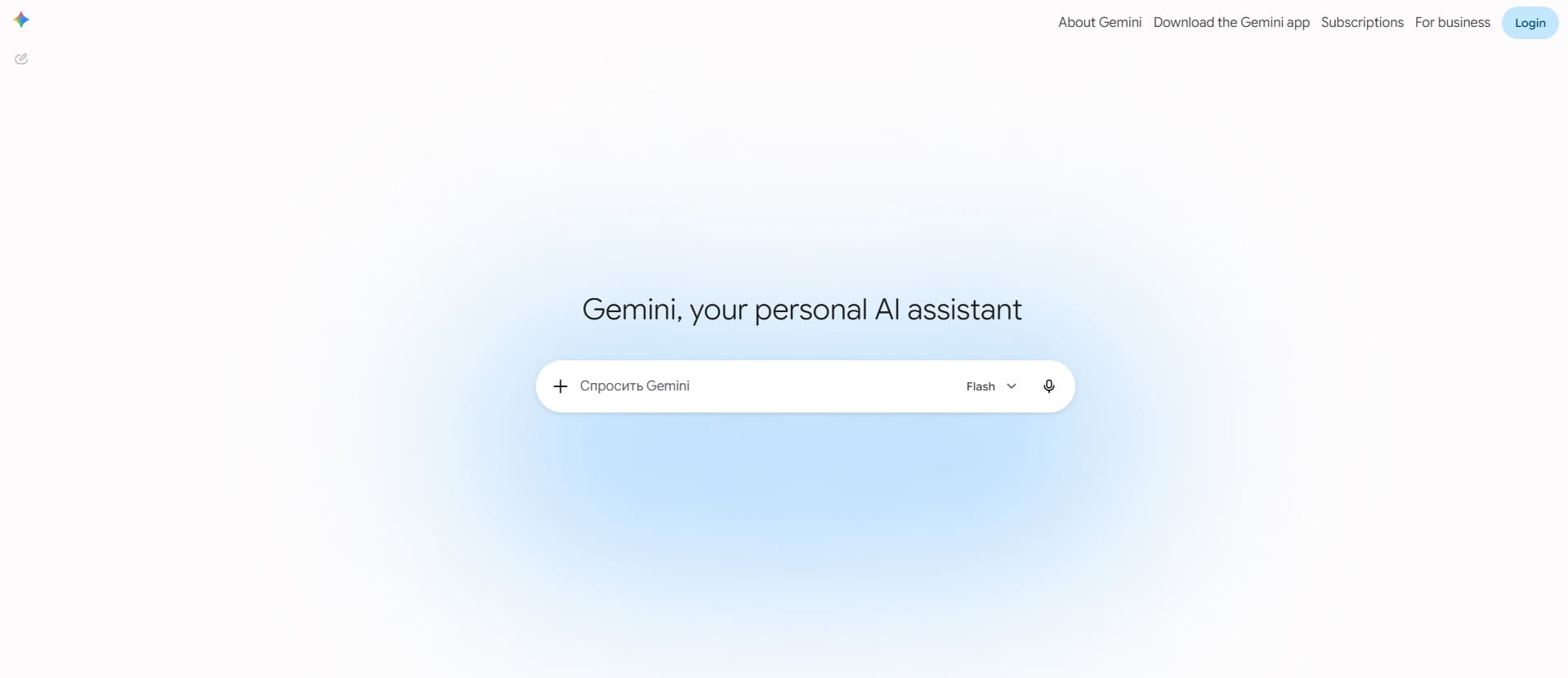
What it is suitable for: analyzing long documents, market research, working with a large amount of input data in a single chat.
Price: free, without time limits. Limits are not fixed as a specific number of messages — the system calculates the “computational load” of the query and refreshes access every 5 hours, with a weekly ceiling. The context window on the free plan is 32,000 tokens. The paid Google AI Pro plan costs $19.99/month and expands the context to 1 million tokens, adds integration with Gmail, Docs, Sheets, and a deep research feature.
Advantages: despite the floating limit, the free access is usually sufficient for typical small business tasks (writing a commercial proposal, analyzing a competitor); strong performance with tables and analytical tasks.
Disadvantages: the free plan lacks built-in integration with Google Docs, Gmail, or Sheets — meaning you cannot automate work directly inside these applications without a subscription; a context window of 32K tokens is too small for uploading, for example, an entire contract or a large price list.
How to register: go to gemini.google.com with any Google account (Gmail) → agree to the terms of use → start a chat. No separate registration is needed if you already have a Google account.
Nuance of use: limits are “floating” and depend on the load on Google servers at a specific moment — during peak hours, free access can noticeably slow down or be temporarily restricted more than stated in the help section.
Canva (Magic Studio) — design and content for social media
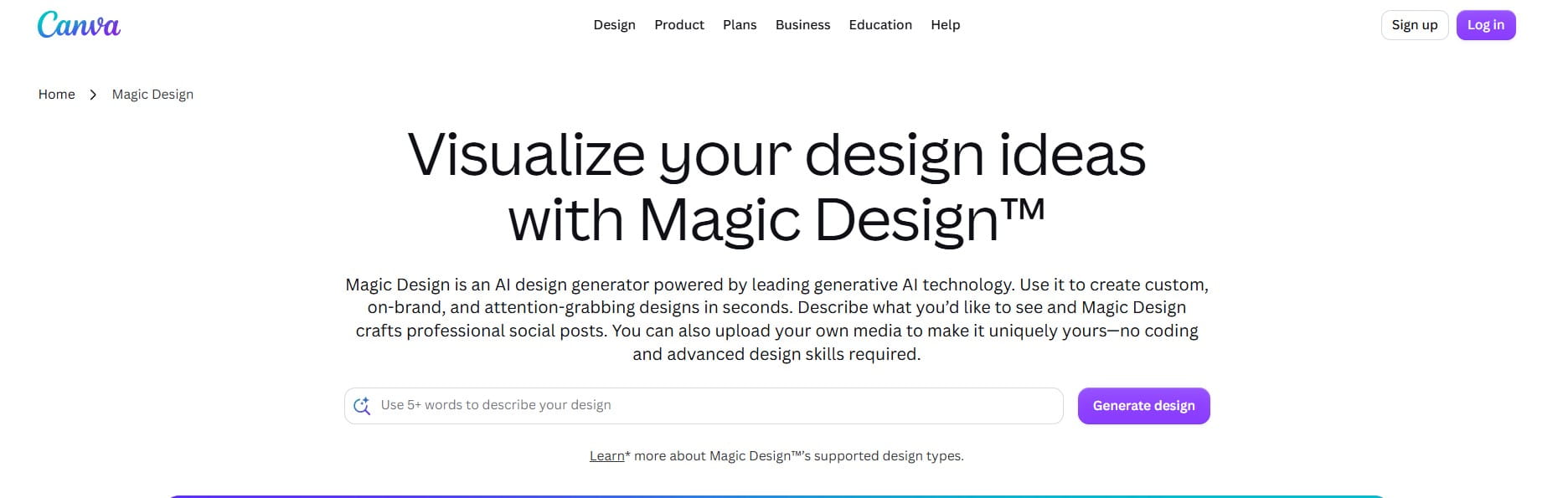
What it is suitable for: social media posts, banners, presentations, visuals for advertising without hiring a designer.
Price: the free plan allows roughly 50 uses of Magic Studio AI features per month (Magic Write for text, Magic Media for images, Background Remover with limitations). Pro costs $15/month (or about $10/month with annual billing) and provides 500 AI credits per month plus a Brand Kit to save corporate colors and fonts.
Advantages: a huge library of ready-made templates even on the free plan; intuitive interface requiring no design skills; ready-made sizes for every social network right away.
Disadvantages: the most powerful AI tools (Magic Eraser, Magic Expand, full Dream Lab for image generation) work with noticeable limitations on the free plan; 50 uses per month are spent quickly if you generate several post variations.
How to register: go to canva.com → “Sign up for free” → email or Google account → select “for business” in the purpose of use survey (this only affects the recommended templates, not the functionality). A card is not required for the free plan.
Nuance of use: the Magic Studio limit resets not at a random time, but on the first day of the month at 00:00 UTC — this should be taken into account when planning intensive content work at the end of the month.
Gamma — presentations and commercial proposals in minutes
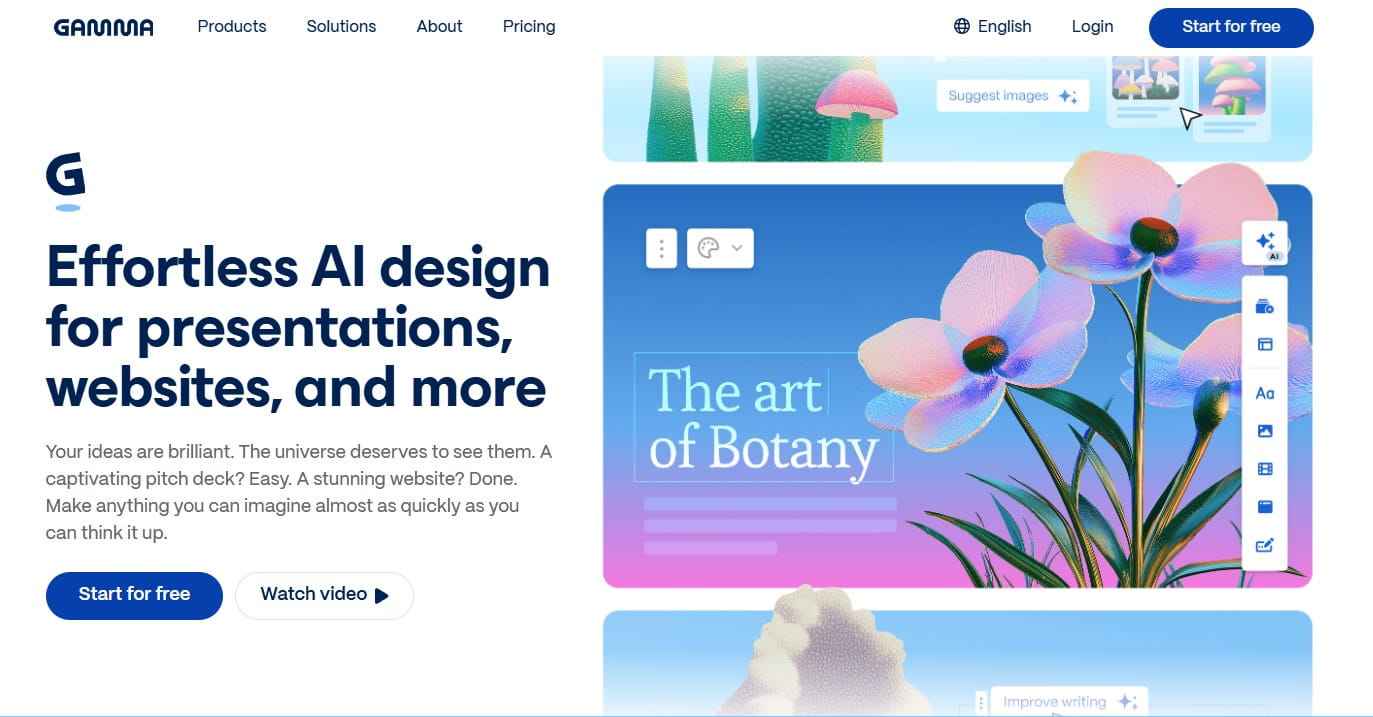
What it is suitable for: quickly assembling a presentation, commercial proposal, or a single website page from a text description of the topic, without manual slide alignment.
Price: the free plan gives 400 credits one-time upon registration (not monthly) — this is approximately 8–10 full presentations, after which credits do not renew unless you invite friends (200 credits per friend, maximum a few invites) or upgrade to a paid plan. Plus costs from $8/month (with annual billing) and gives 1000 credits monthly, plus removes the “Made with Gamma” watermark.
Advantages: generates a completely finished structured presentation from a single text query in seconds; the result can be exported to PDF, PowerPoint, PNG, or published as a simple web page; imports existing PDF/PPTX files for redesign.
Disadvantages: 400 credits is a one-time, not a renewable limit, so the free plan will only last for a few presentations over the entire lifespan of the account; a Gamma watermark is placed on every export on the free plan and even on any plan except Plus; exporting to PowerPoint “flattens” dynamic layouts into static images.
How to register: go to gamma.app → “Sign up for free” → email or Google account → you can immediately enter the topic of the presentation in the first field, and the service will suggest a structure. A card is not required.
Nuance of use: every attempt to regenerate a part of the presentation also deducts credits — therefore, it is better to write a detailed and precise prompt right away rather than editing the result by trial and error, otherwise, 400 credits will be spent in a single evening.
SendPulse — marketing, newsletters, and chatbots in one place
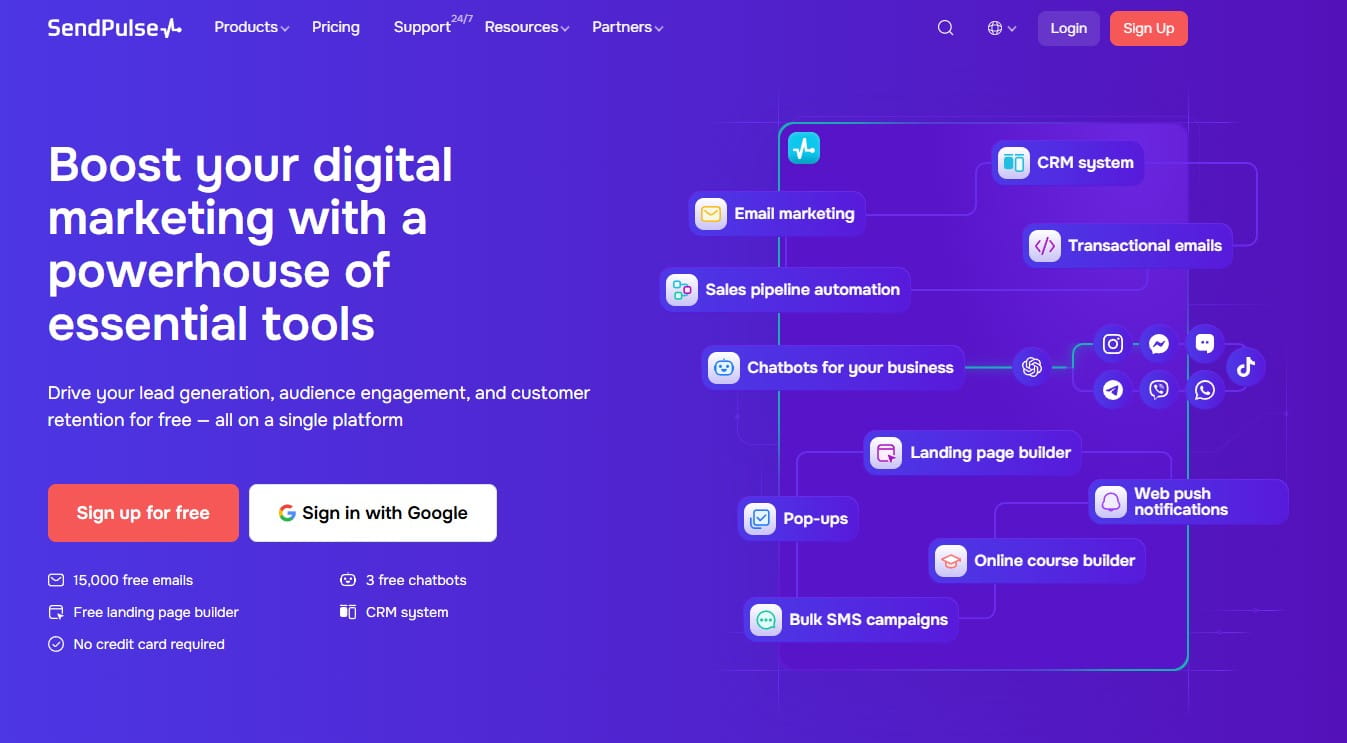
What it is suitable for: email newsletters, social media post scheduling, chatbots for Instagram/Telegram/Viber with an AI assistant for text generation.
Price: the free “zero” plan gives up to 3 social media channels, 10 scheduled posts per channel, and 100 content ideas per month, while the AI assistant for text generation works even on this plan. Paid plans are calculated based on the number of subscribers in the email newsletter database, so there is no fixed price — it appears only after connecting a contact database.
Advantages: covers several marketing channels at once (email, social media, chatbots) in one interface instead of three separate services; multi-language interface and support; the service is historically oriented towards the local and European markets, so integrations with Viber and Telegram are built more conveniently than in Western analogues.
Disadvantages: the free limit of 10 posts per channel is only enough for a very modest publication schedule (less than two posts per week); full automation of the sales funnel and more complex chatbot scenarios require a paid plan.
How to register: go to sendpulse.com → “Sign up for free” → email, email confirmation → connect the first channel (Instagram page, Telegram bot, or email list) in the setup wizard.
Nuance of use: the limit of 100 content ideas per month is consumed for every request to the AI assistant, including unsuccessful attempts — it is best to formulate the prompt as specifically as possible from the start (topic, tone, length) rather than asking to rewrite the result multiple times in a row.
Otter.ai — transcribing meetings and calls
What it is suitable for: automatic transcription of negotiations with clients, team meetings, interviews — followed by an AI summary of the conversation.
Price: the free Basic plan gives 300 minutes of transcription per month with a limit of 30 minutes per recording session and only 3 imports of audio/video files over the entire lifespan of the account (not monthly). Pro costs from $8.33/month with annual billing and raises the limit to 1200 minutes per month and 90 minutes per session.
Advantages: integrates directly with Zoom, Google Meet, and Microsoft Teams — the bot itself joins the call and transcribes in real time; in addition to the text, it provides a short AI summary of the meeting with a list of action items.
Disadvantages (critical nuance for non-English business): Otter.ai officially supports transcription only in English, French, and Spanish. This means that for meetings in other languages, the service will not work at all — it will not produce any speech recognition. The tool only makes sense for businesses that conduct negotiations with foreign clients or partners in English.
How to register: go to otter.ai → “Start for free” → email or Google account → in the settings, connect your calendar (Google Calendar or Outlook) so that the bot automatically joins scheduled calls.
Nuance of use: the 30-minute limit per session cuts off sharply — if the meeting lasts longer, the transcription simply stops at the 30th minute without slowing down or warning in advance; for longer negotiations, you will have to manually stop and restart the recording as a new session.
We talked about other transcription tools in the article “AI Tools for Call and Meeting Transcription“
How to combine multiple free tools without losing time?
The most common mistake made by small businesses is registering for all six services at once and using each at 10% of its capacity. A more effective approach is to target specific bottlenecks:
- If your main headache is social media content, the combination of Canva (visuals) + ChatGPT (texts for posts) covers the task completely, and SendPulse is added only when the need arises to schedule publications in advance.
- If your main headache is commercial proposals for clients, Gamma covers this task on its own, and there is no point in adding other tools until the 400 credits are exhausted.
- If the business works with foreign clients in English, the combination of Otter.ai (call transcription) + ChatGPT (summary and next steps from the transcript) saves the most time specifically on administrative routine.
Frequently Asked Questions (FAQ)
How to calculate the ROI of AI for business if everything is currently free?
Calculate the hours of manual labor that the tool replaces each month and multiply it by the specialist’s hourly rate — that is your monthly savings.
How safe is it to upload client data into free AI tools?
Free plans may use the entered data to train the model, so it is better not to paste confidential information without checking the privacy settings.
Do these tools work equally well in other languages?
No: ChatGPT, Gemini, and Canva handle multiple languages well, while Otter.ai does not recognize non-supported languages at all.
What other AI platforms help automate business processes if none of the tools in the article fit?
For more complex automations (CRM + email + chatbot in one chain), no-code platforms like Zapier or Make are used.
When is it worth upgrading from a free plan to a paid one?
When the limit is systematically exhausted before the working month ends, rather than a one-off occurrence during a peak load.
Is it legal to use free AI tools for commercial activities of a sole proprietorship or LLC?
Yes, commercial use is permitted even on the free plans of all the listed services.




comments