МИ ПРАЦЮЄМО ДЛЯ УКРАЇНИ
 Input data
 Why does a modern service station need its own website?
In the modern digital world, an online presence is not just an advantage, but a necessity for any business, including car service stations (СТО – Service Technical Stations). The times when clients looked for workshops based on friends’ recommendations or accidentally found signs are passing. Today, most potential clients start their search for an STO online. The absence of a functional and informative website means losing a significant portion of potential orders and competitiveness.
A website for an STO is not just a business card; it’s a powerful tool for:
- Attracting new clients: Online presence allows you to reach a wider audience than traditional advertising methods.
- Increasing trust: A professionally developed website with clear information about services, prices, and client reviews builds trust.
- Convenience for clients: The ability to book appointments online, view services, and get consultations significantly improves the client experience.
- Effective marketing: The website is a central platform for conducting advertising campaigns, promotions, and collecting analytical data.
- Process automation: Some functions, such as an online service calculator or integration with a CRM system, can significantly simplify the work of administrators.
Workflow
In the process of developing the website for STO Drive for Life, we created a comprehensive digital platform that includes both desktop and mobile versions, ensuring seamless interaction for every user. Our goal was to combine modern website design with high functionality, providing maximum convenience, informativeness, and efficiency at all stages of interaction.
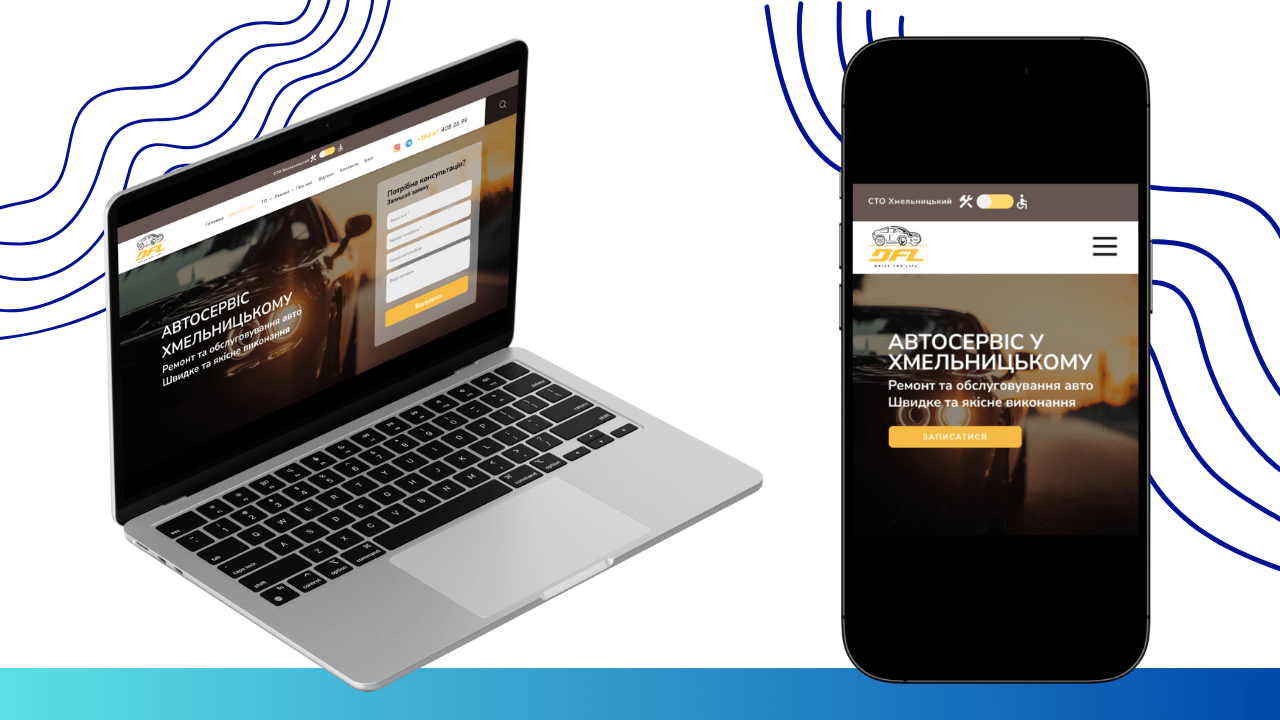
For a visual representation of the result, you can familiarize yourself with the finished layouts
PC version
Mobile version
Further, a detailed implementation of key pages and functionality is described.
Homepage Design
We started with the homepage, which became the calling card of Drive for Life and reflects quality website design. Its structure is designed to capture the visitor’s attention from the first seconds and invite them to further explore.
The page opens with an attractive visual block, where a key message and a convenient form for ordering a consultation are placed against the background of a high-quality image reflecting the STO’s field of activity. This is not only aesthetically pleasing but also functional: the form is integrated directly into the first screen, which increases the likelihood of conversion, as potential clients can immediately leave a request without scrolling the page. This is an important element in website development with a user-centric approach.
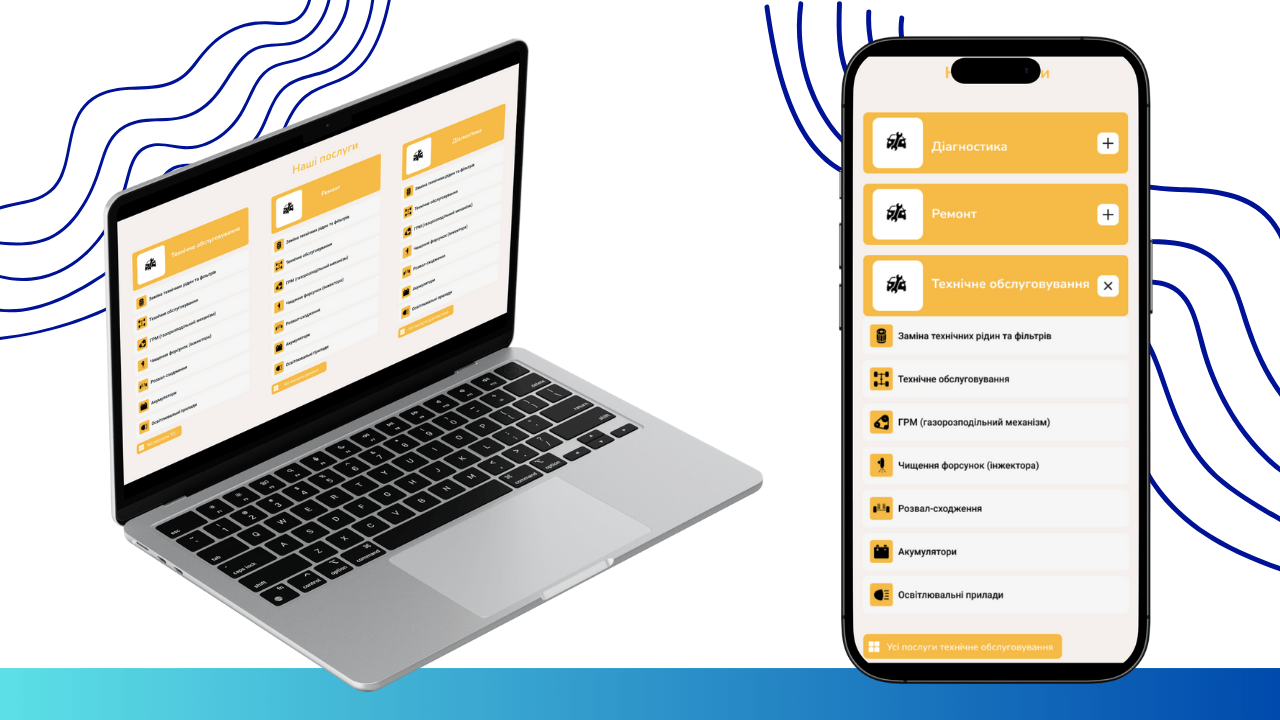
Next, to provide a quick overview of services, we developed the “Our Services” block. Here, the main directions of the STO’s work are presented in concise lists, allowing the user to quickly navigate the offerings.
To build trust, we integrated the “About Us” block, which briefly outlines information about the history, philosophy, and advantages of Drive for Life.
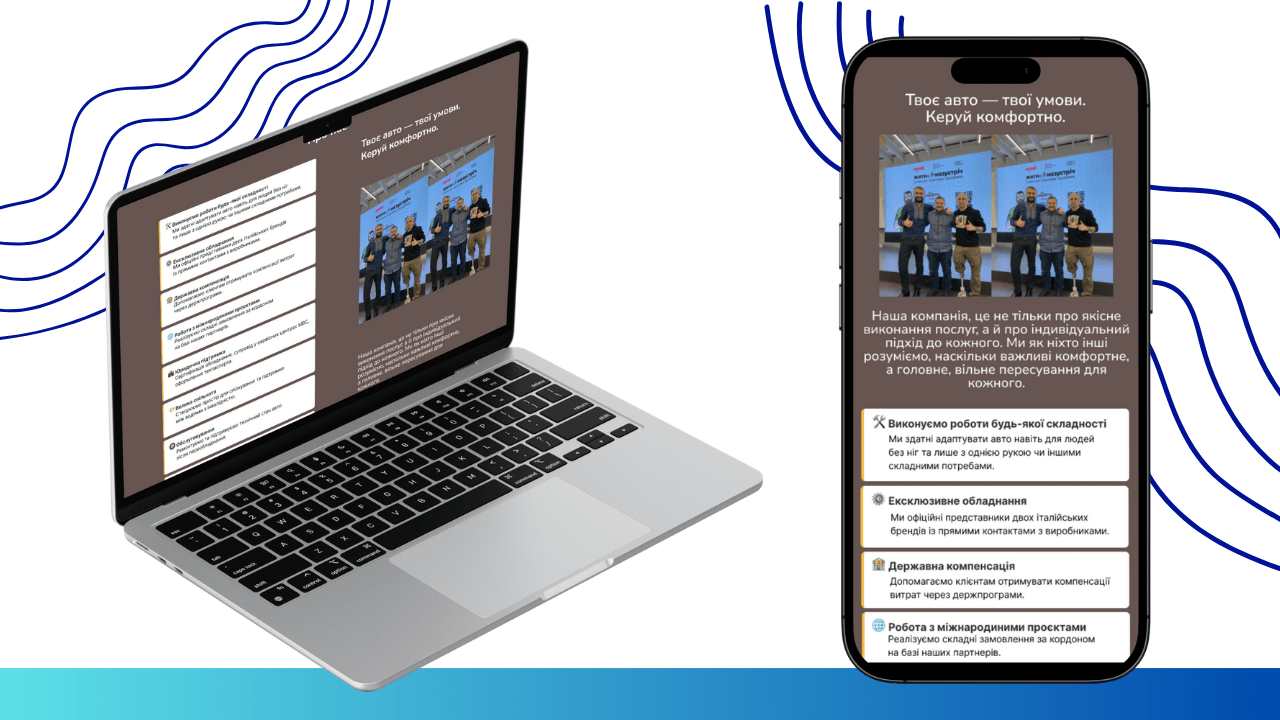
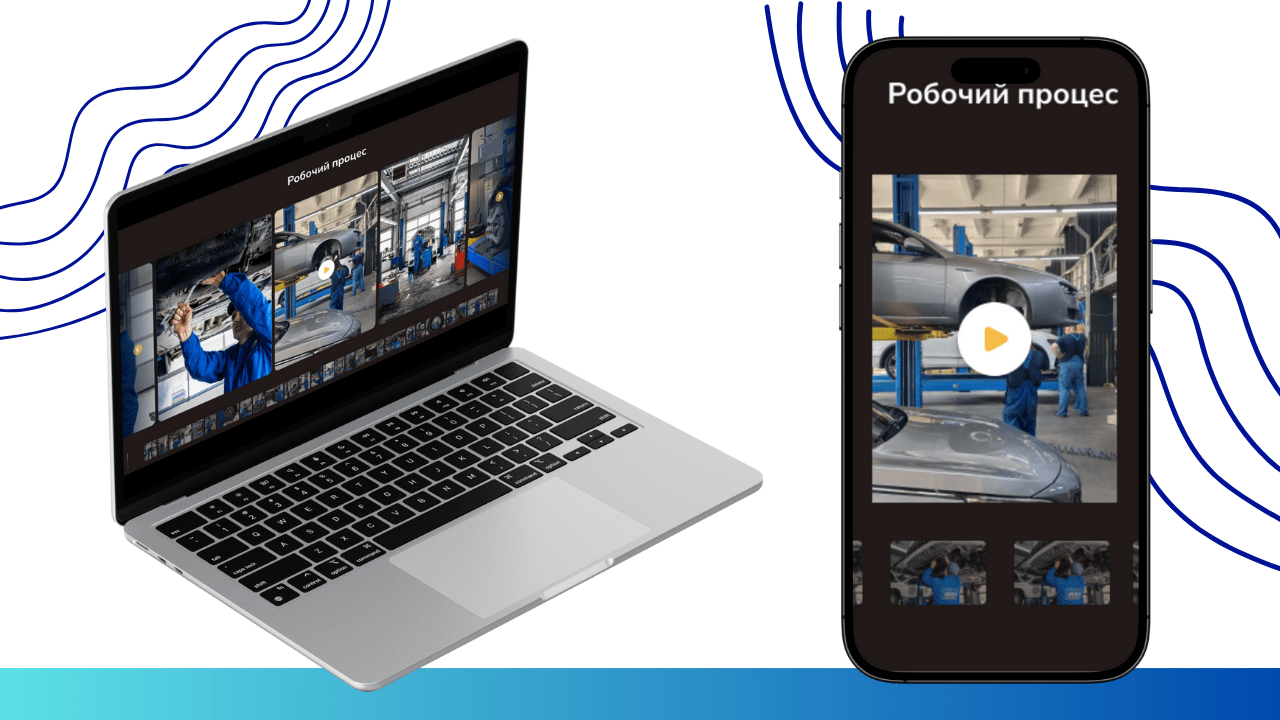
To visualize internal processes and demonstrate the team’s professionalism, a “Workflow” block with high-quality photos or video materials has been added.
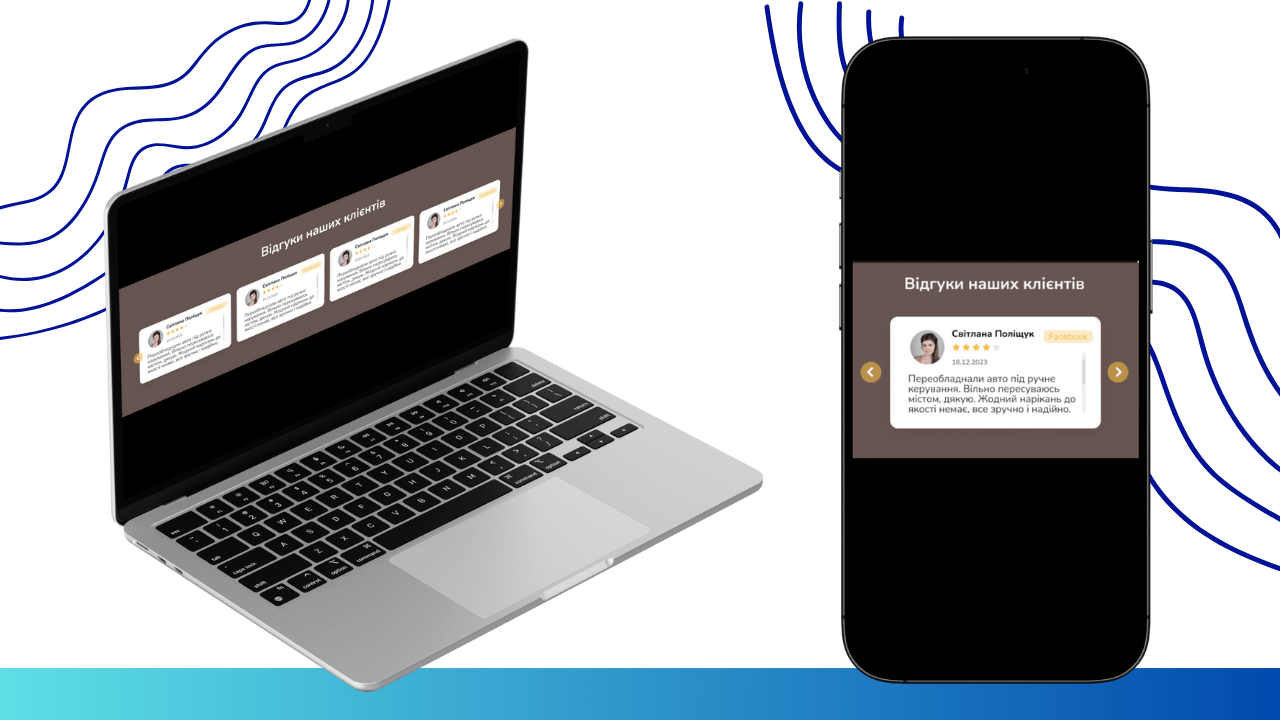
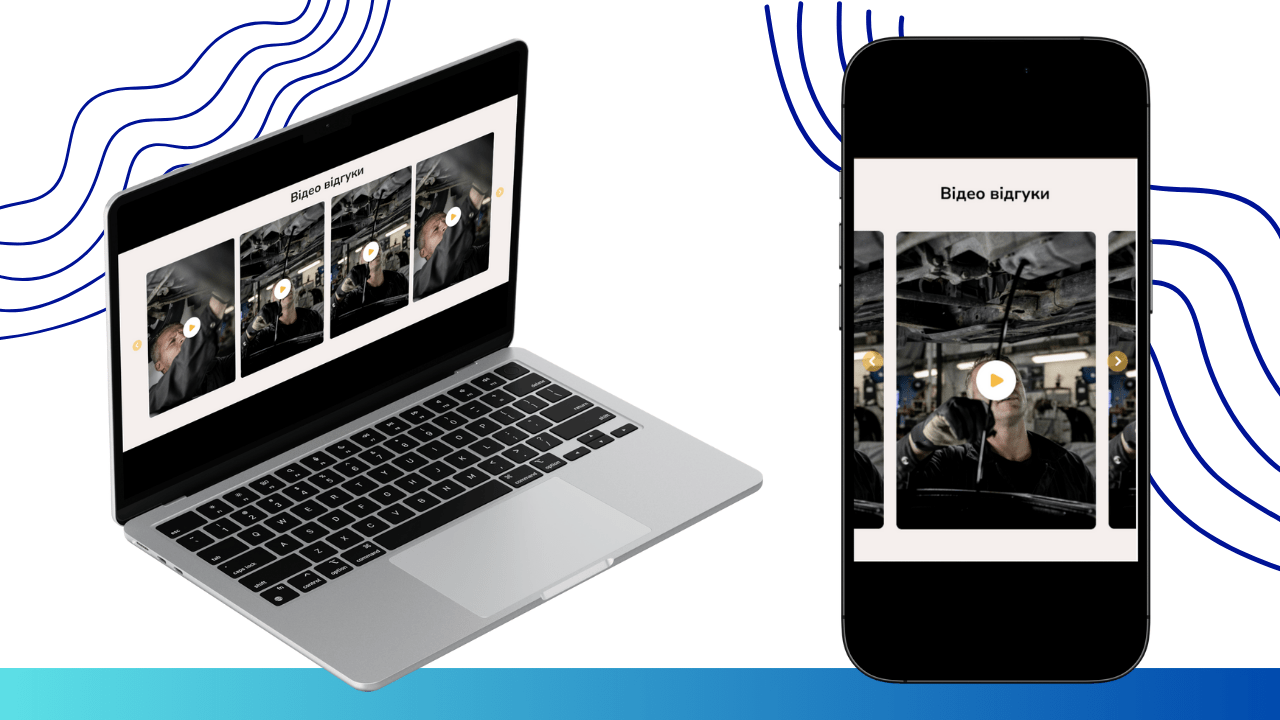
No less important were client reviews, presented in both text format and video, which significantly increases the level of trust.
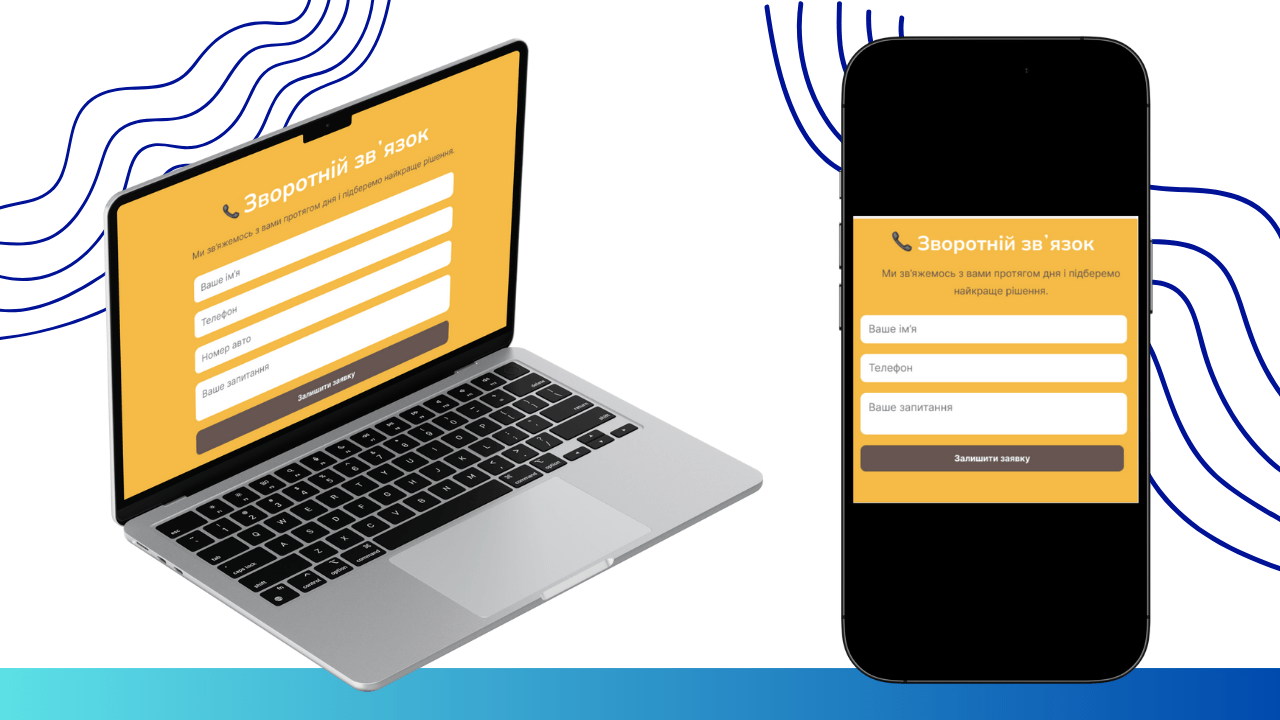
For communication convenience, we placed a feedback form through which the user can leave a request and a manager will call them back shortly.
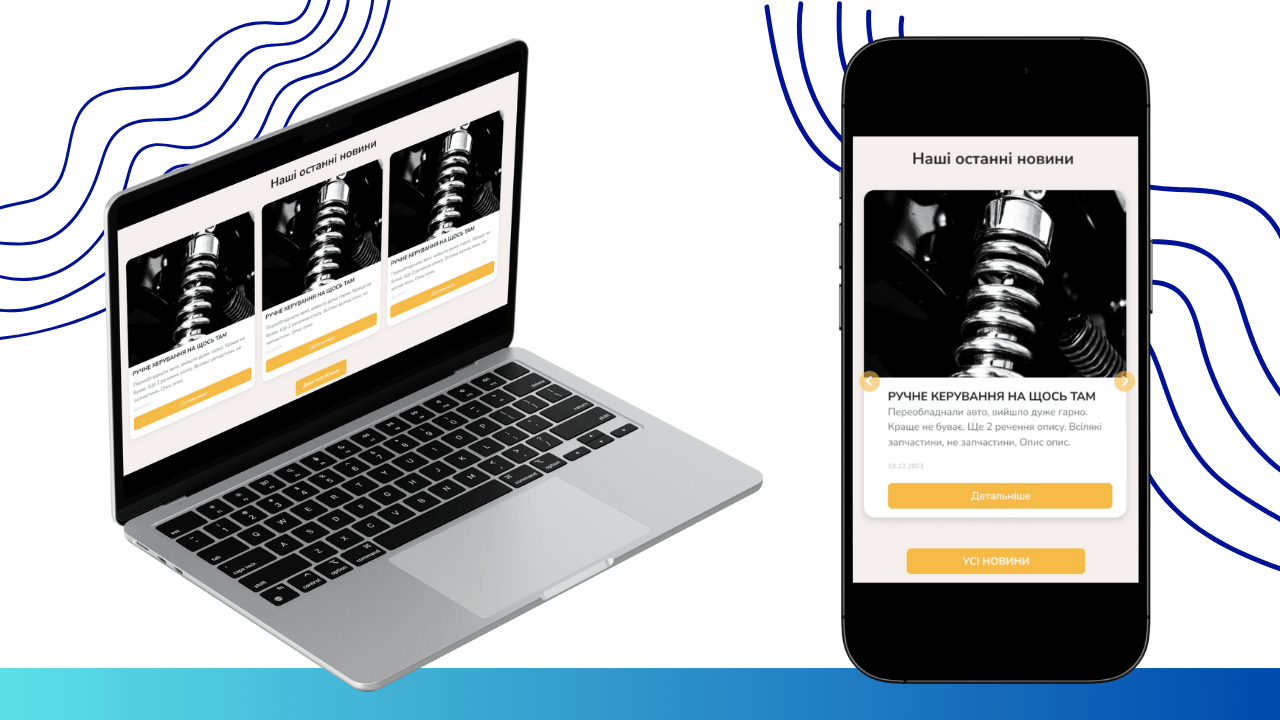
To keep clients updated, there is an “Latest News” block announcing blog articles or important announcements.
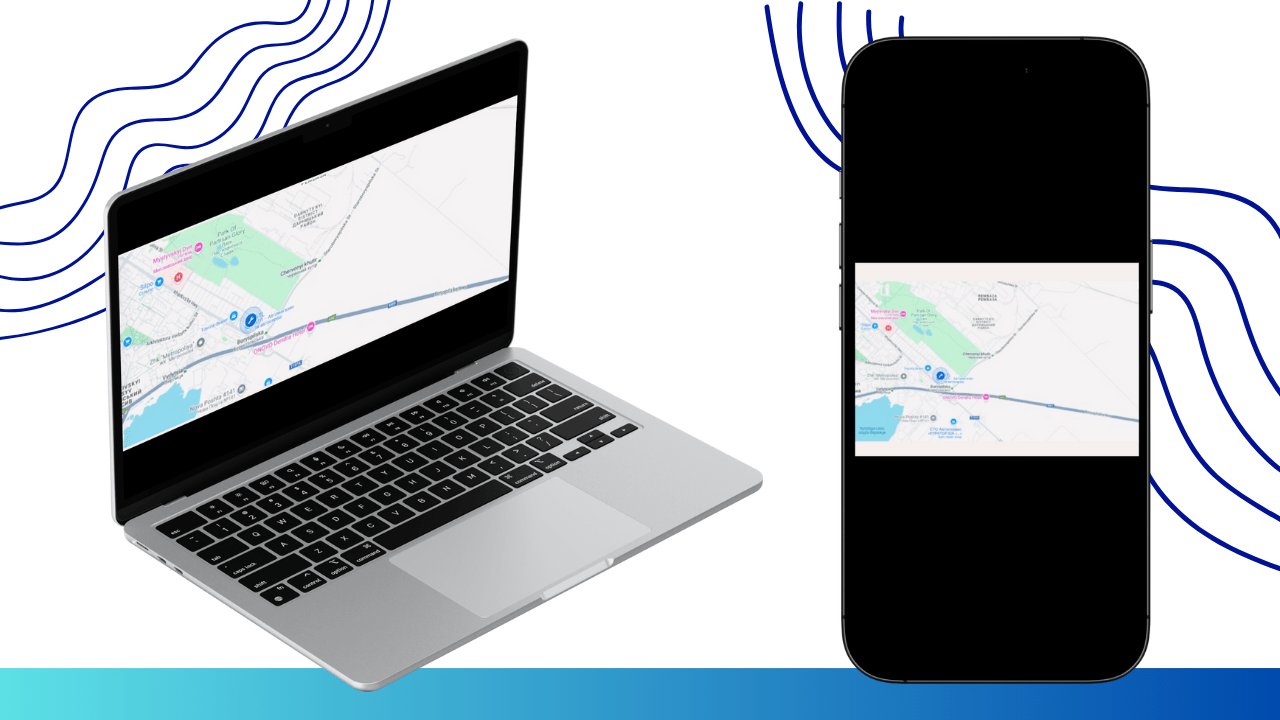
The homepage concludes with an interactive map showing the STO’s location and contact details, as well as an additional informational text block.
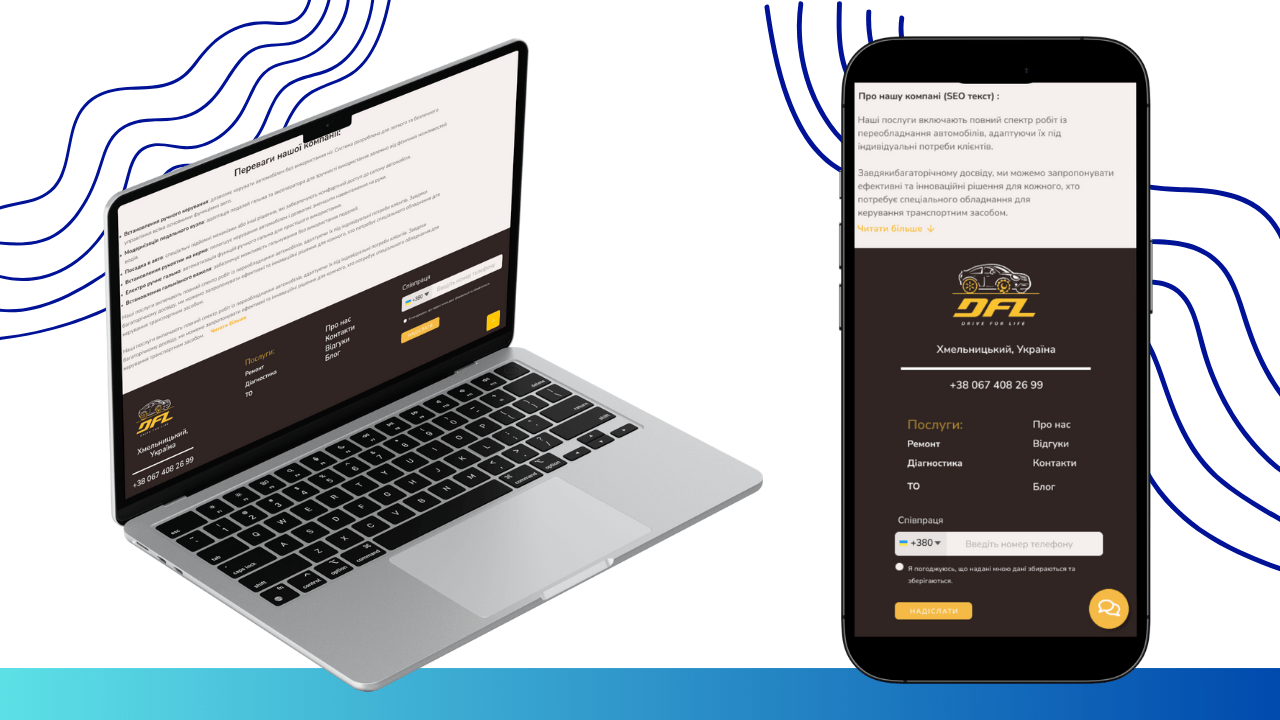
The blocks “Workflow with photos”, “Text reviews”, “Video reviews”, “Latest news”, “Contact forms”, “Map”, and “Text block” will be repeated on all pages, so only unique page functionality will be described further.
Navigation Development (Site Header)
We paid special attention to the convenience of navigation, implementing it adaptively for various devices. This is an integral part of successful website design.
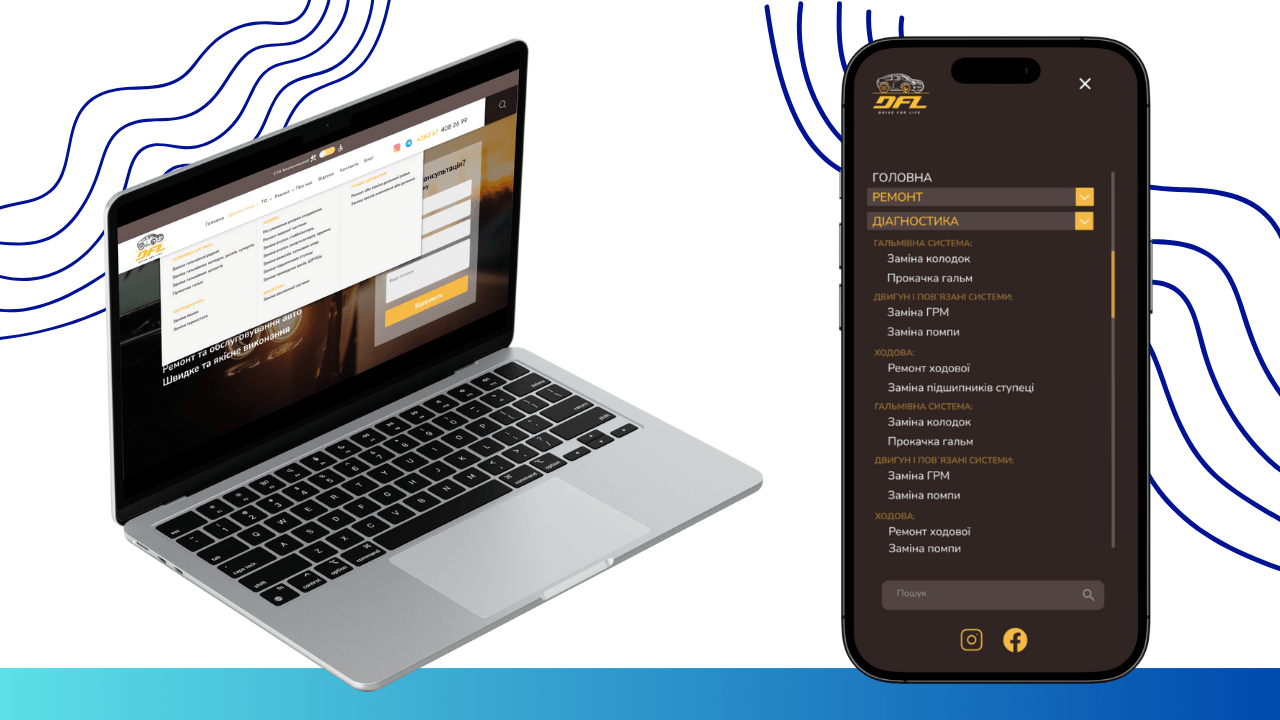
On the PC version of the site, the menu is intuitive. When hovering over “Services”, a dropdown list with a full list of all available services expands. This is implemented using CSS and JavaScript for smooth opening/closing of the menu, which improves UX (User Experience), allowing the user to quickly find the desired section without unnecessary clicks. For the mobile version, where screen space is limited, we implemented an effective “burger menu”. This UI element is designed with responsive design in mind: clicking the icon (usually three horizontal lines) opens a full-fledged mobile menu. This ensures optimal content display on small screens and ease of navigation with a single touch, which is critically important for modern website development.
Creating a General Services Page
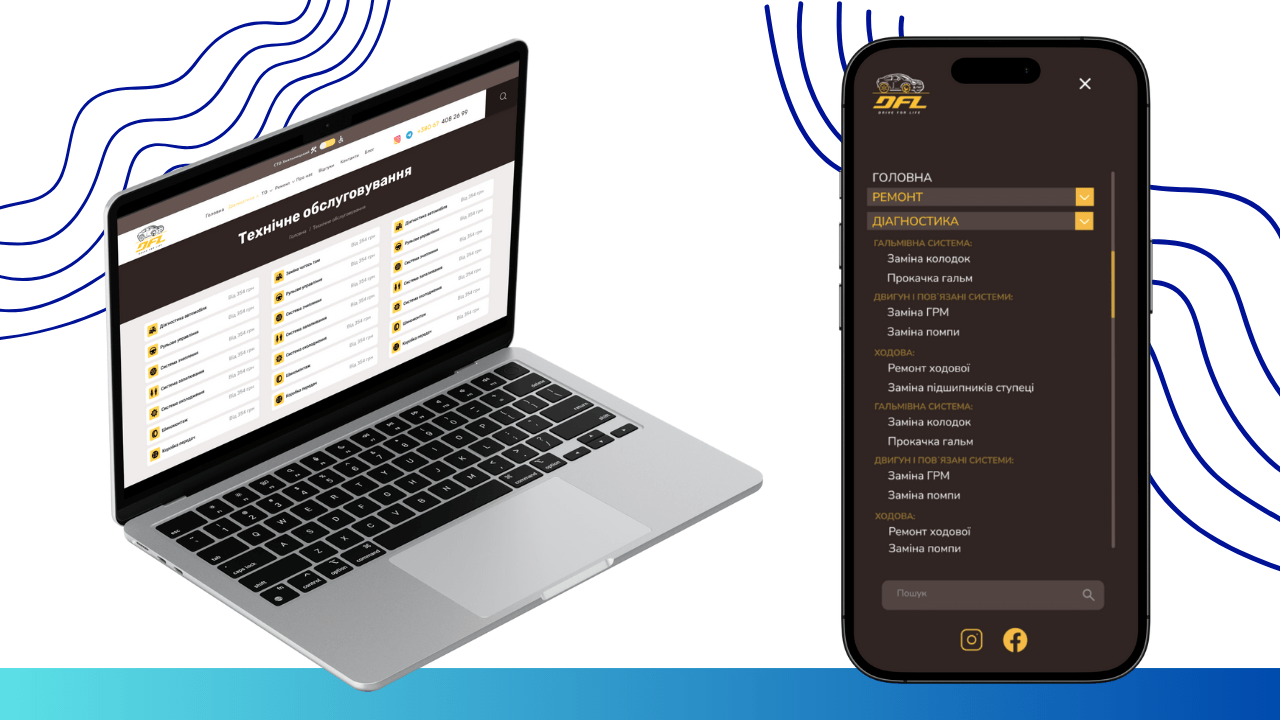
This page serves as a central catalog of all STO offerings, providing users with comprehensive information, and is an important stage in website development.
At the beginning of the page, the user sees a complete list of all services with estimated prices, ensuring maximum transparency and helping in decision-making. Prices can be dynamic, loaded from the database, allowing for easy updates. Immediately after this, there is a lead form for ordering a consultation. This form can be integrated with the STO’s CRM (Customer Relationship Management) system, which automates the request processing and allows the manager to react instantly, converting a potential client into a real one.
Implementing a Detailed Service Page
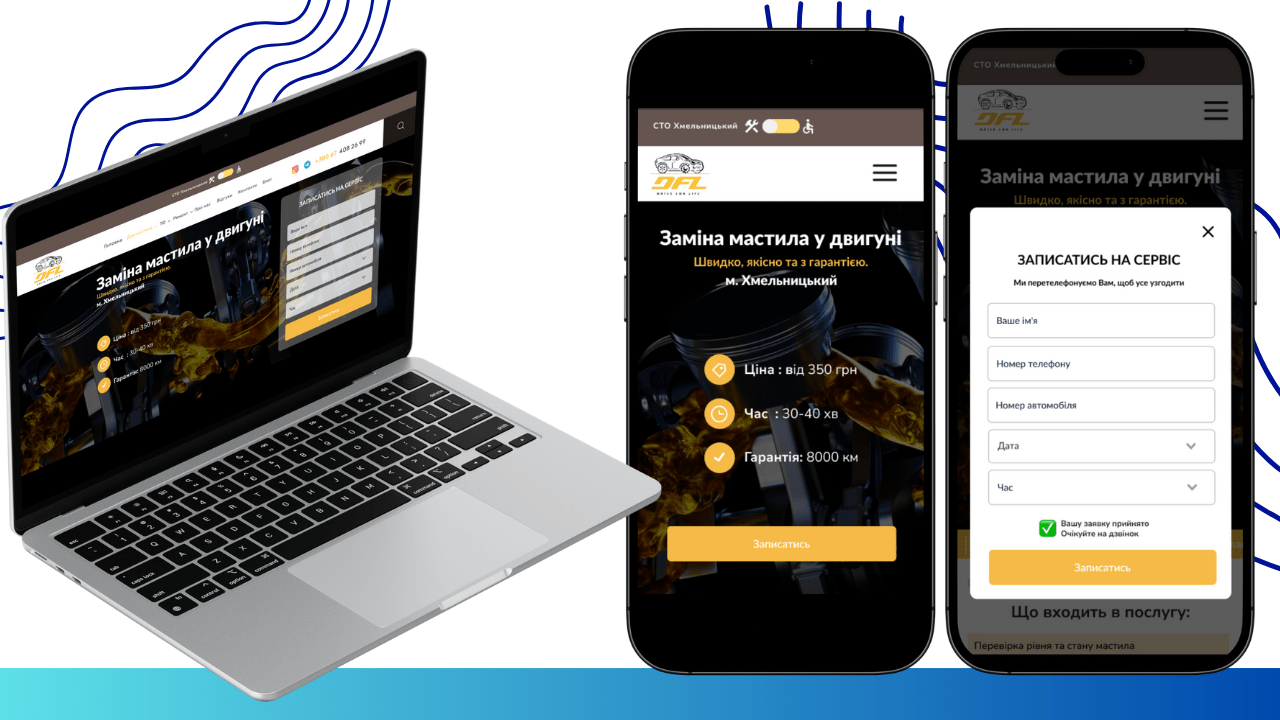
Each individual service page is designed to provide comprehensive information about a specific offering and to maximize the simplicity of the booking process. This is an important step in website development aimed at conversion.
The page begins with a clear presentation: service name, estimated cost, and estimated time for completion. Immediately next to it is a convenient booking form that allows the client not only to enter their contact information but also to independently choose convenient date and time for the visit. This functionality is implemented using a calendar plugin and integration with the STO’s workload accounting system. This minimizes the number of calls for clarification and optimizes the technicians’ work schedule.
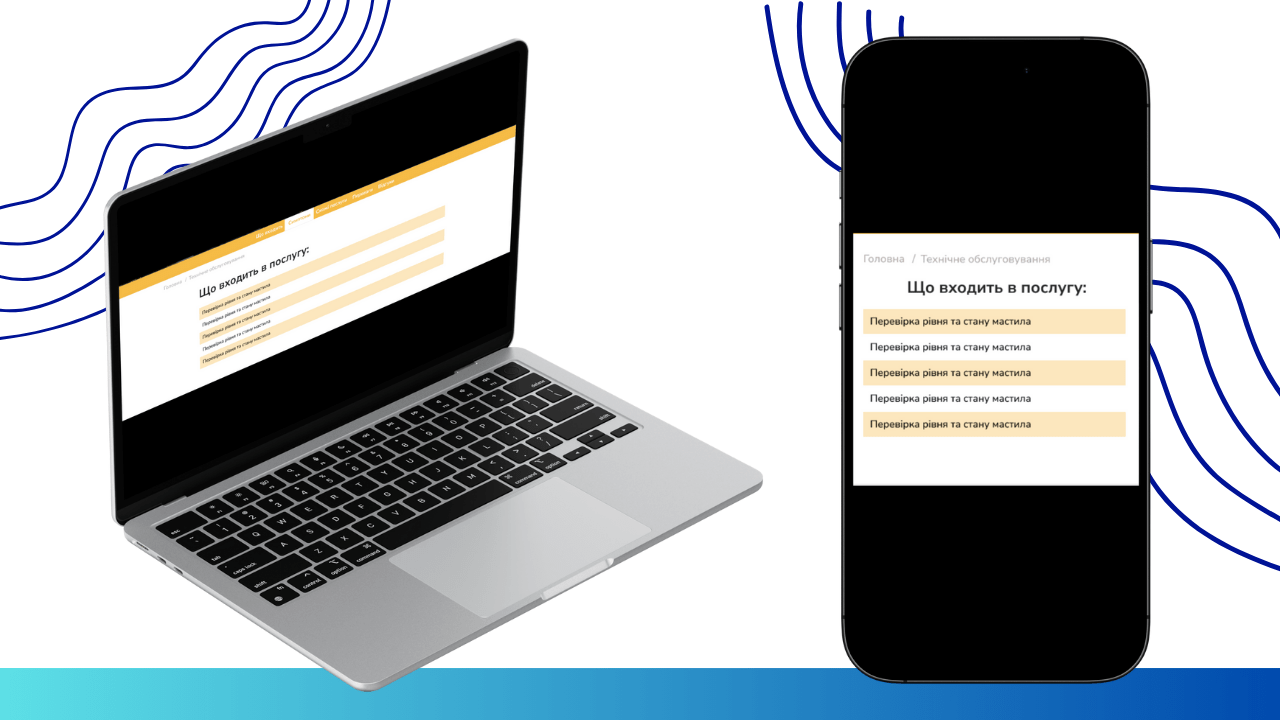
Next, we described in detail what exactly is included in the service to avoid any misunderstandings and provide full transparency.
To anticipate and answer common questions, we integrated “Frequently Asked Questions” sections containing detailed explanations. This is implemented using an FAQ section with “accordion” (toggle functionality), which saves space on the page and improves readability.
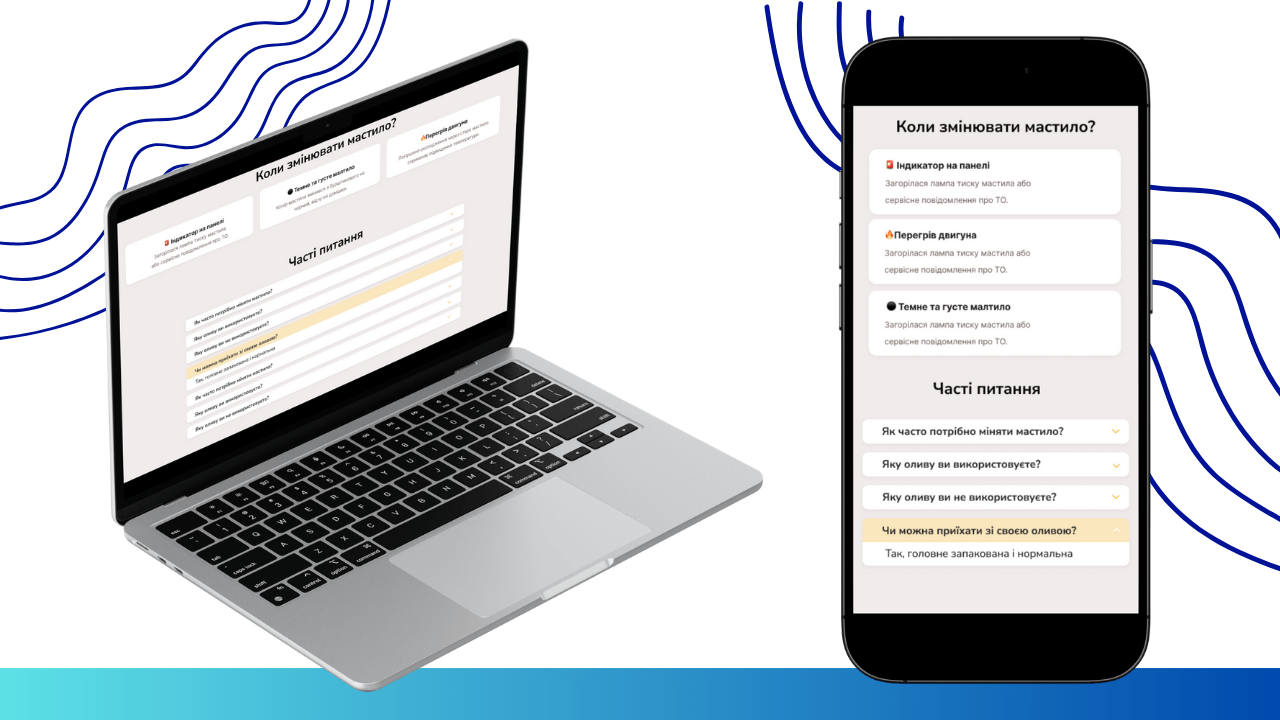
For those who need an individual approach or additional clarifications, a consultation request form is available.
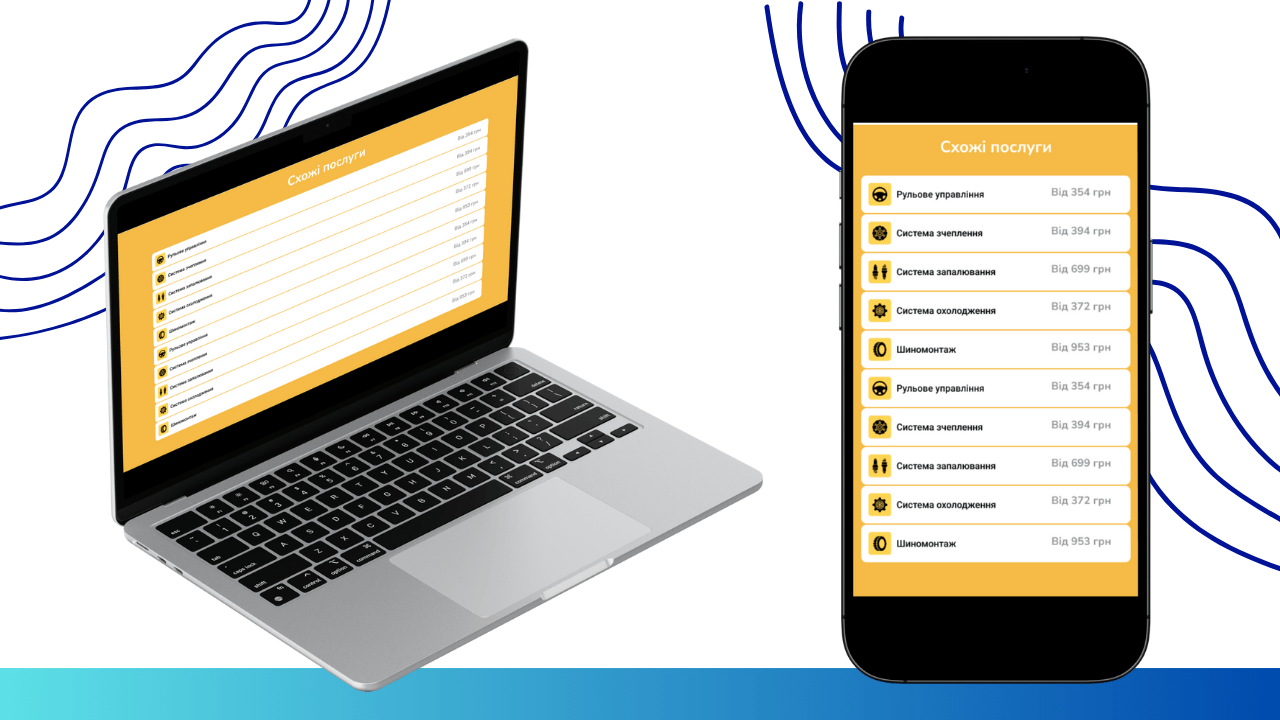
To encourage further interaction and familiarization with the full range of services, we added a “Related Services” block, offering other relevant STO offerings.
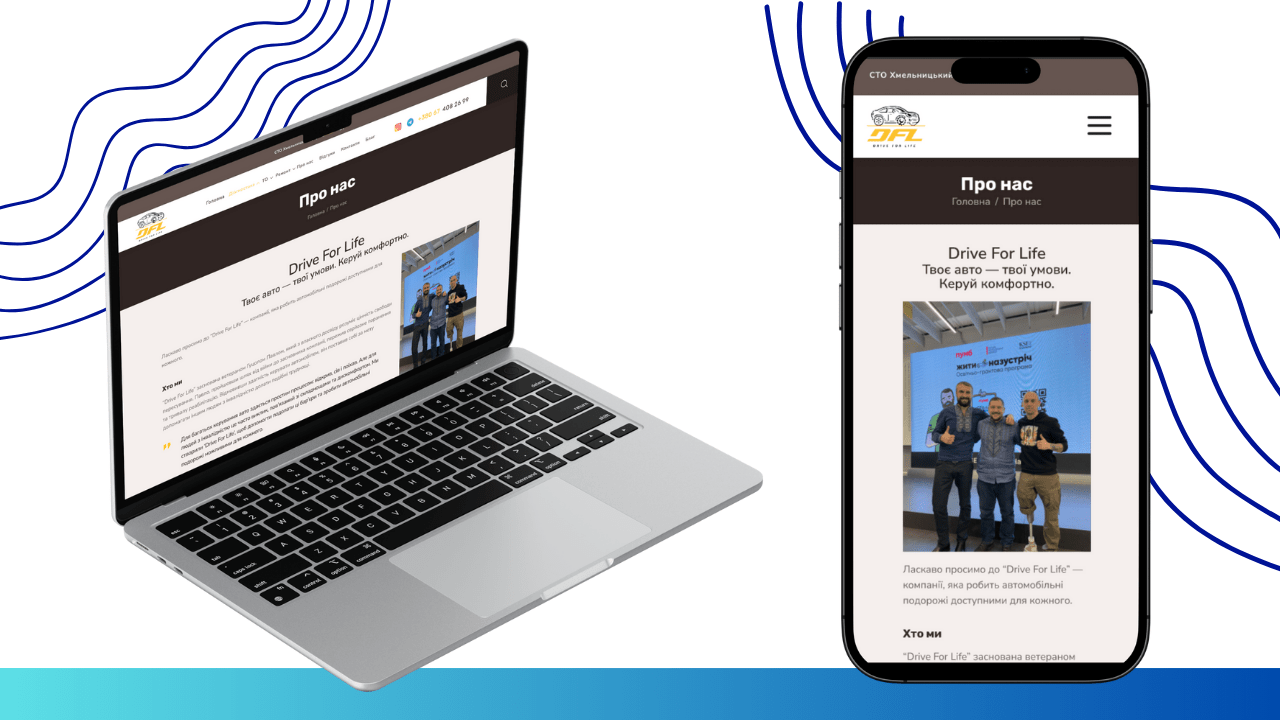
Implementing the “About Us” Page
This page reveals in more detail the company’s history, its mission, values, and team, which helps to create an emotional connection with clients and strengthen their trust in the STO. Thoughtful website design here focuses on visual elements, such as photographs.
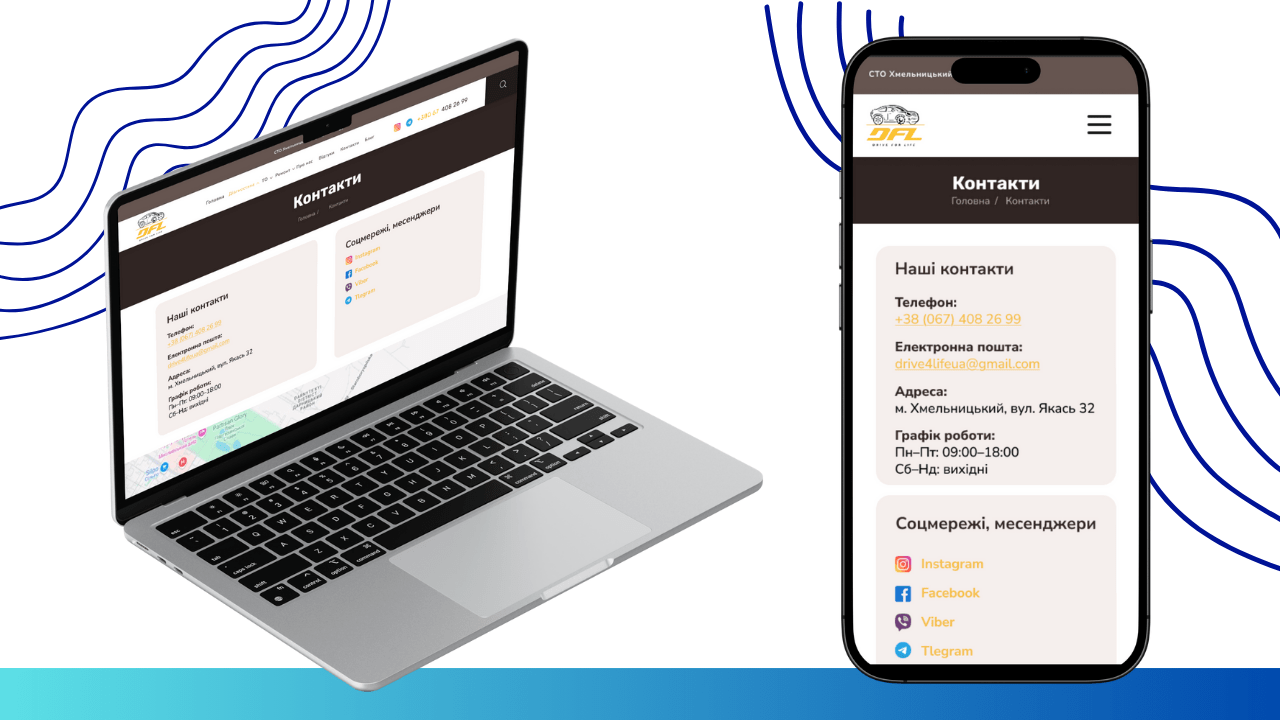
Implementing the “Contacts” Page
The “Contacts” page provides all the necessary information for communication: the full address of the STO, phone numbers, email, business hours, and an interactive Google Maps for convenient route planning. Integration with the Google Maps API allows users to directly plot a route on the website, which is extremely convenient for UX.
Creating the “Blog” Page
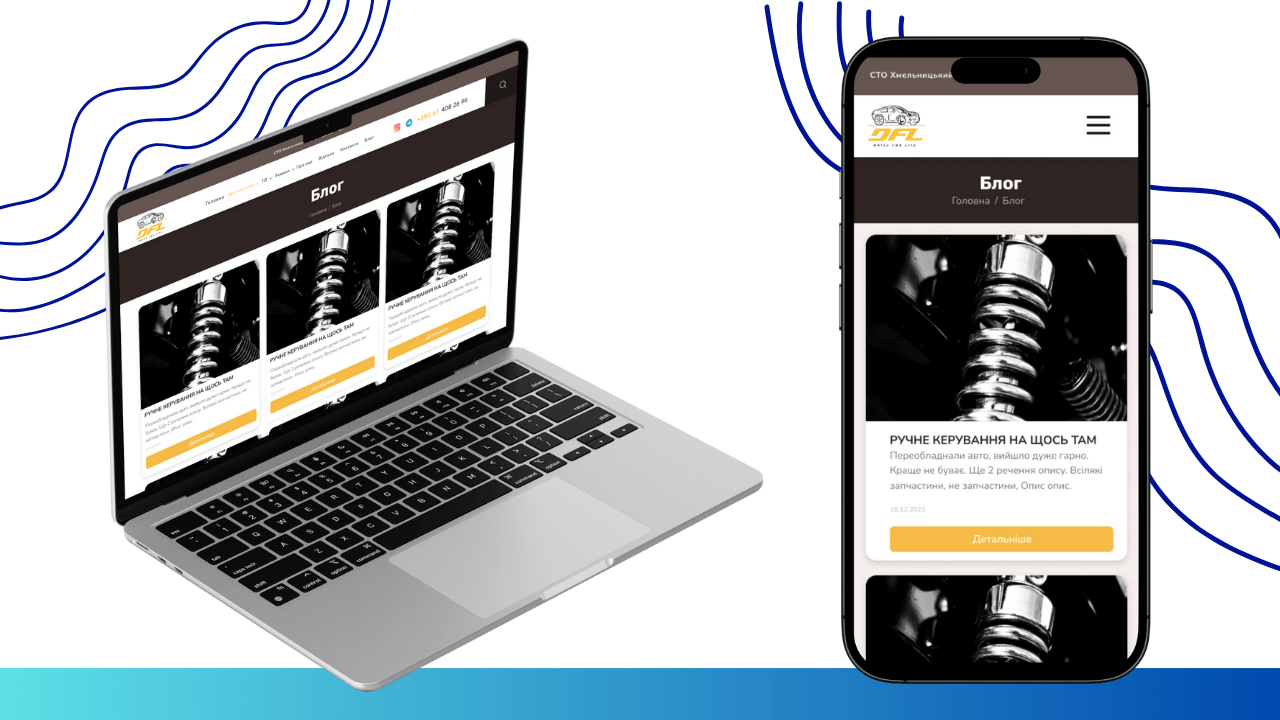
To increase the STO’s expertise and attract additional traffic, we developed a “Blog” section. Here, useful articles about car care, operating tips, industry news, and announcements of Drive for Life promotions will be published. Each article is optimized for SEO (Search Engine Optimization) using keywords and meta descriptions, which increases organic traffic to the site and positions the STO as an expert in its field. This is not just content; it’s a strategic step in website development for audience engagement.
Implementing Search Functionality
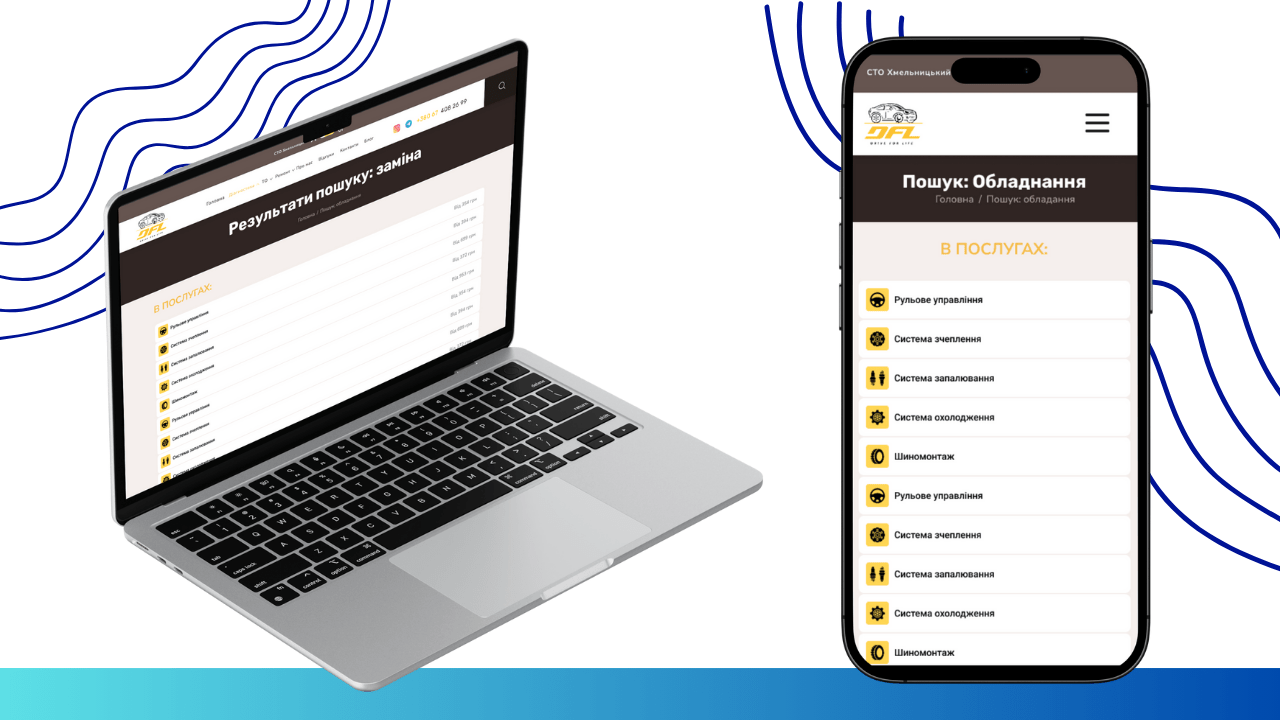
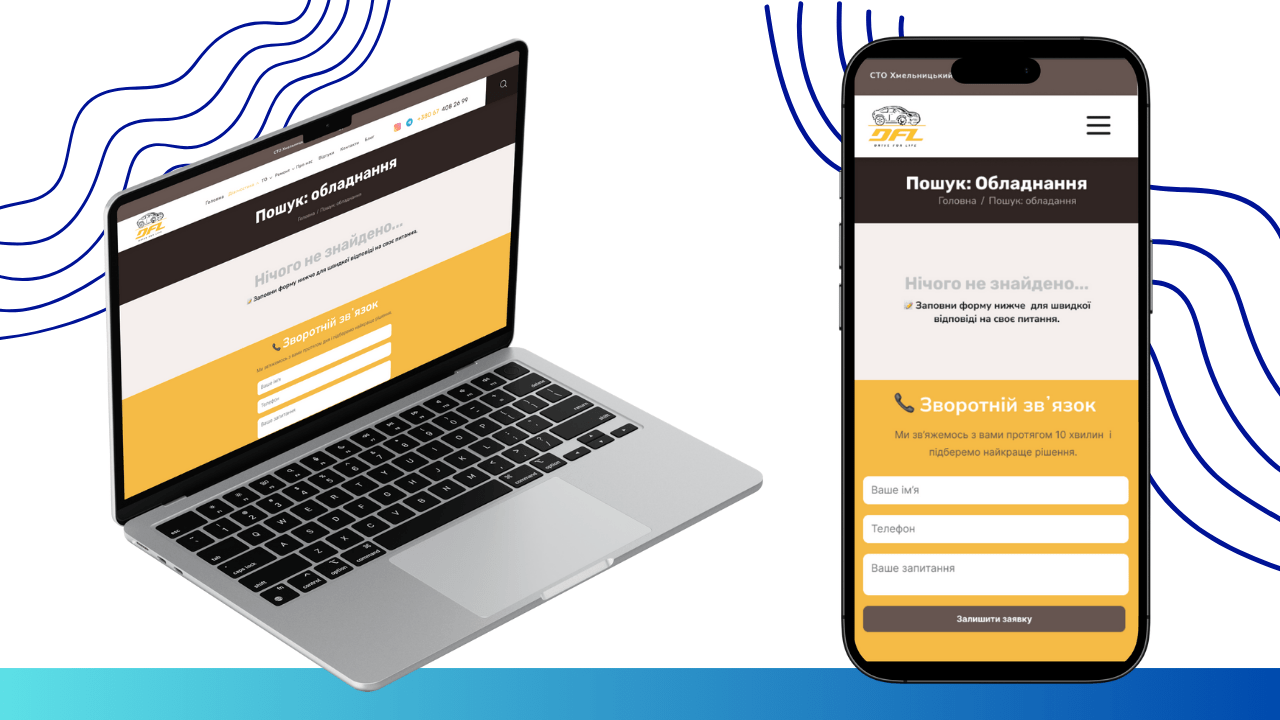
We provided a convenient search function on the website, allowing users to quickly find the information they need. The search is implemented using a search engine (for example, based on Elasticsearch or built into the CMS), which indexes all website content. This ensures high speed and accuracy of search results. If nothing is found for the entered query, the user will see an informative message suggesting to check the query or contact for a consultation, which reduces user frustration and maintains a positive UX.
Implementing the 404 Page
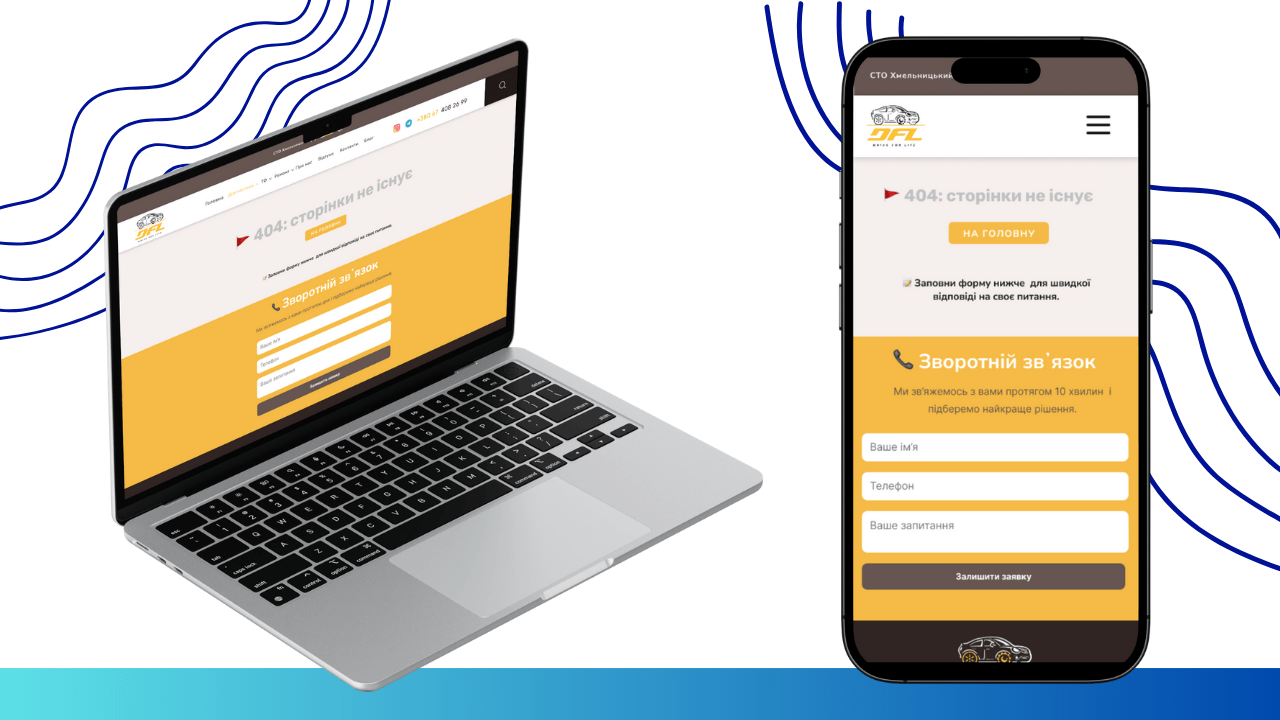
A custom 404 page (error page) has been separately developed. Instead of a standard system message, we created a friendly design that offers the visitor to return to the homepage or navigate to other important sections of the site. This not only informs about the error but also guides the user, preventing their complete abandonment of the site and improving the overall user experience. This is part of a comprehensive approach to website design and UX.
 The result obtained