МИ ПРАЦЮЄМО ДЛЯ УКРАЇНИ
 Input data
 Progress of work
We, at Outsourcing Team, were approached by representatives of School of Modern Skills (SMS) with the task of migrating a website from Tilda to WordPress. The main goal was to provide greater flexibility in content management, improve SEO indicators, expand the functionality of the site and gain full control over the resource without the limitations of the platform.
In this case study we will tell you in detail about all the stages we went through during the transfer of the site from Tilda to WordPress, what challenges we faced, how we solved technical problems and what results we achieved as a result.
Starting point: site on Tilda
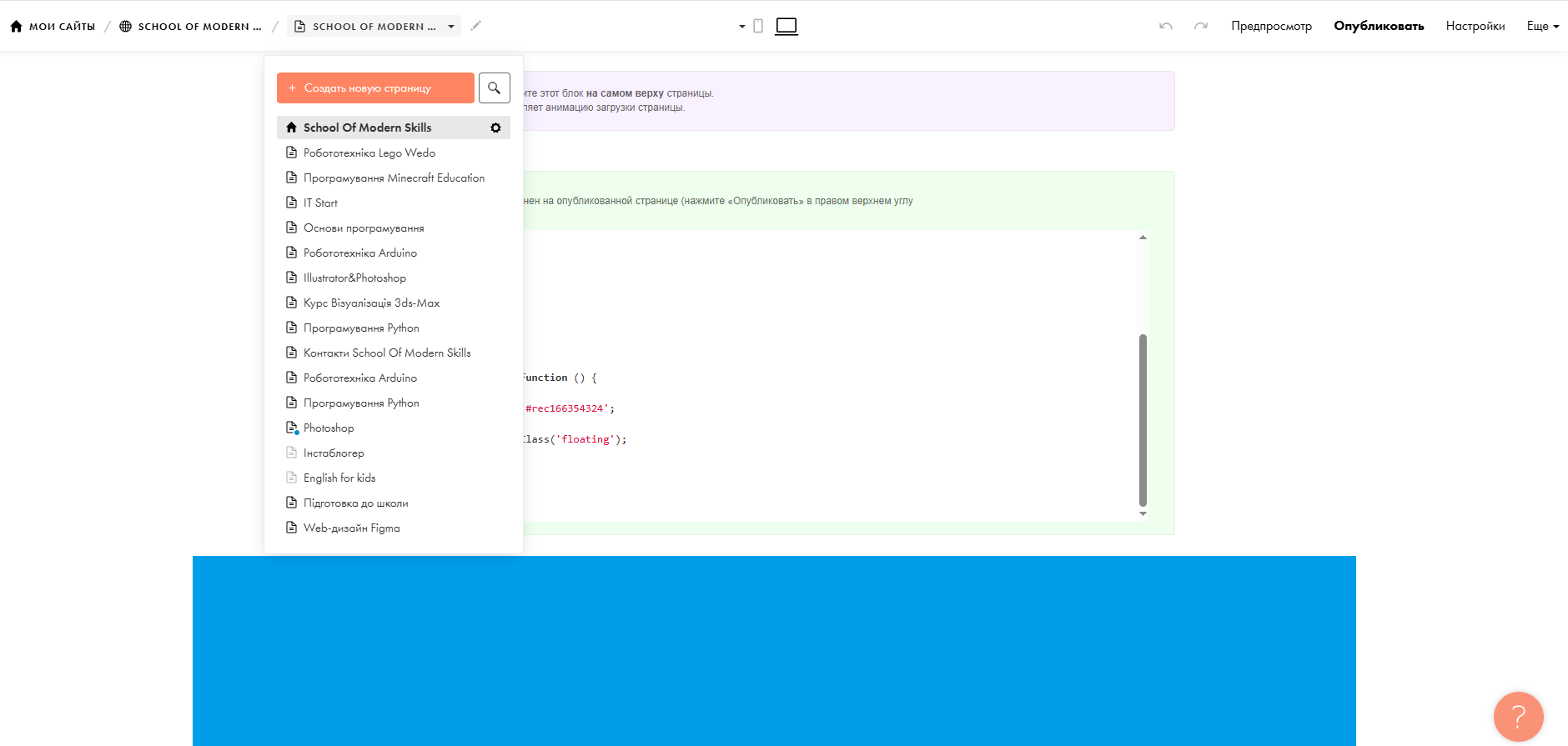
The client had a fully functional website created on the Tilda builder. The decision to use Tilda at the project launch stage was logical: it allowed us to get online quickly and create a presentable look without involving developers. However, over time, the functional limitations became noticeable:
- impossibility of full SEO customization;
- complexity of integration with external services;
- limitation in design settings and form logic;
- monthly subscription fee without access to the server part.
That is why it was decided to move the site from Tilda to a full-fledged CMS — WordPress.
Preparing for transfer
The first stage was a detailed study of the existing structure of the site:
- collected all pages of the site;
- fixed URLs to save the structure;
- analyzed the content (texts, images, media files);
- checked SEO settings (Title, Description, H1, Alt, etc.);
- audited the loading speed of the site.
At this stage, it was important to avoid traffic loss, so we did everything possible to ensure that the transfer of the site from tilde did not have a negative impact on positions in search engines.

Technology selection and development approach
For the new site on WordPress we have selected a custom theme, maximally repeating the design of the original site on Tilda, at the same time allowing:
- optimize loading speed;
- conveniently manage content through the Gutenberg-editor;
- use custom blocks without the need for code;
- integrate forms with the CRM client;
- implement multilingualism (if needed in the future).
Thus, transferring the site from Tilda allowed not only to preserve the look of the resource, but also opened new opportunities for development.
Content migration
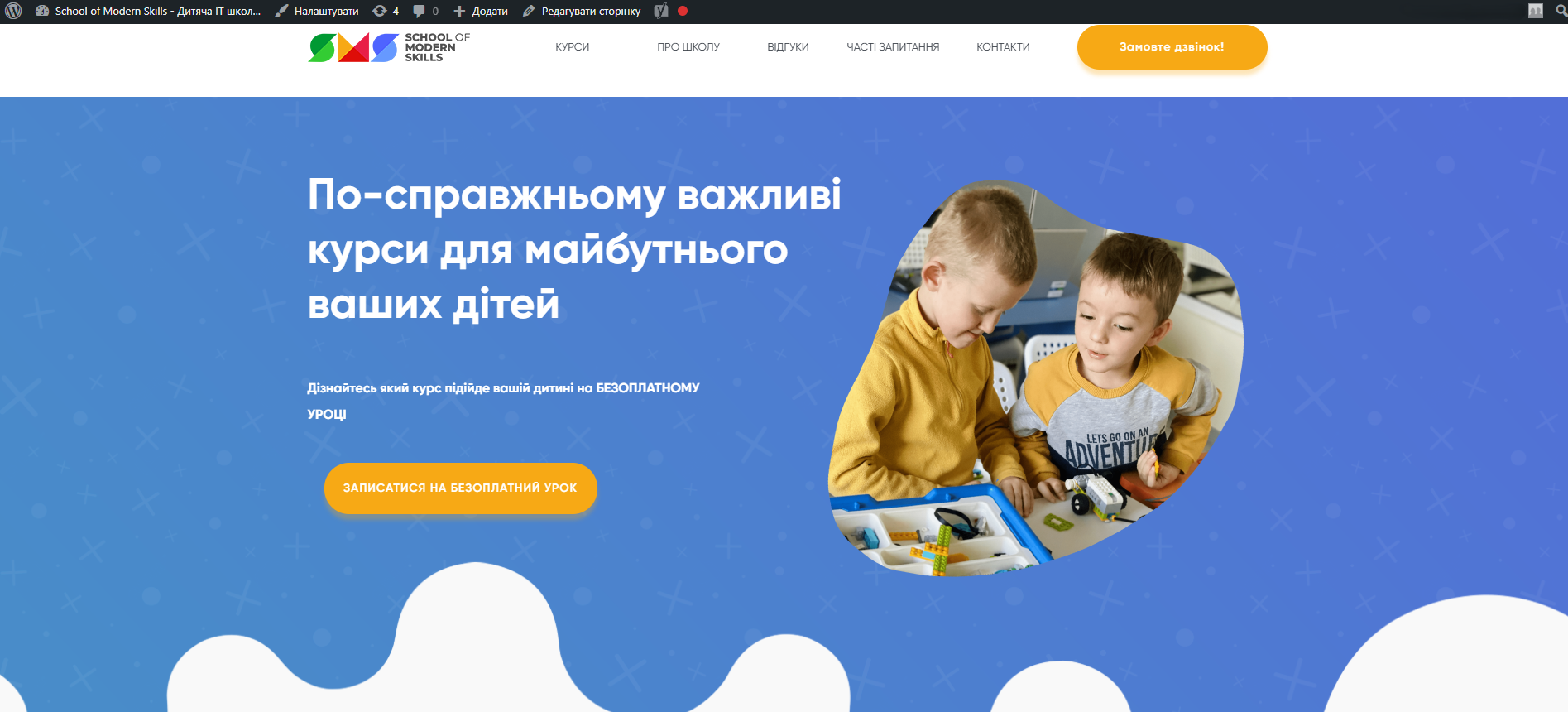
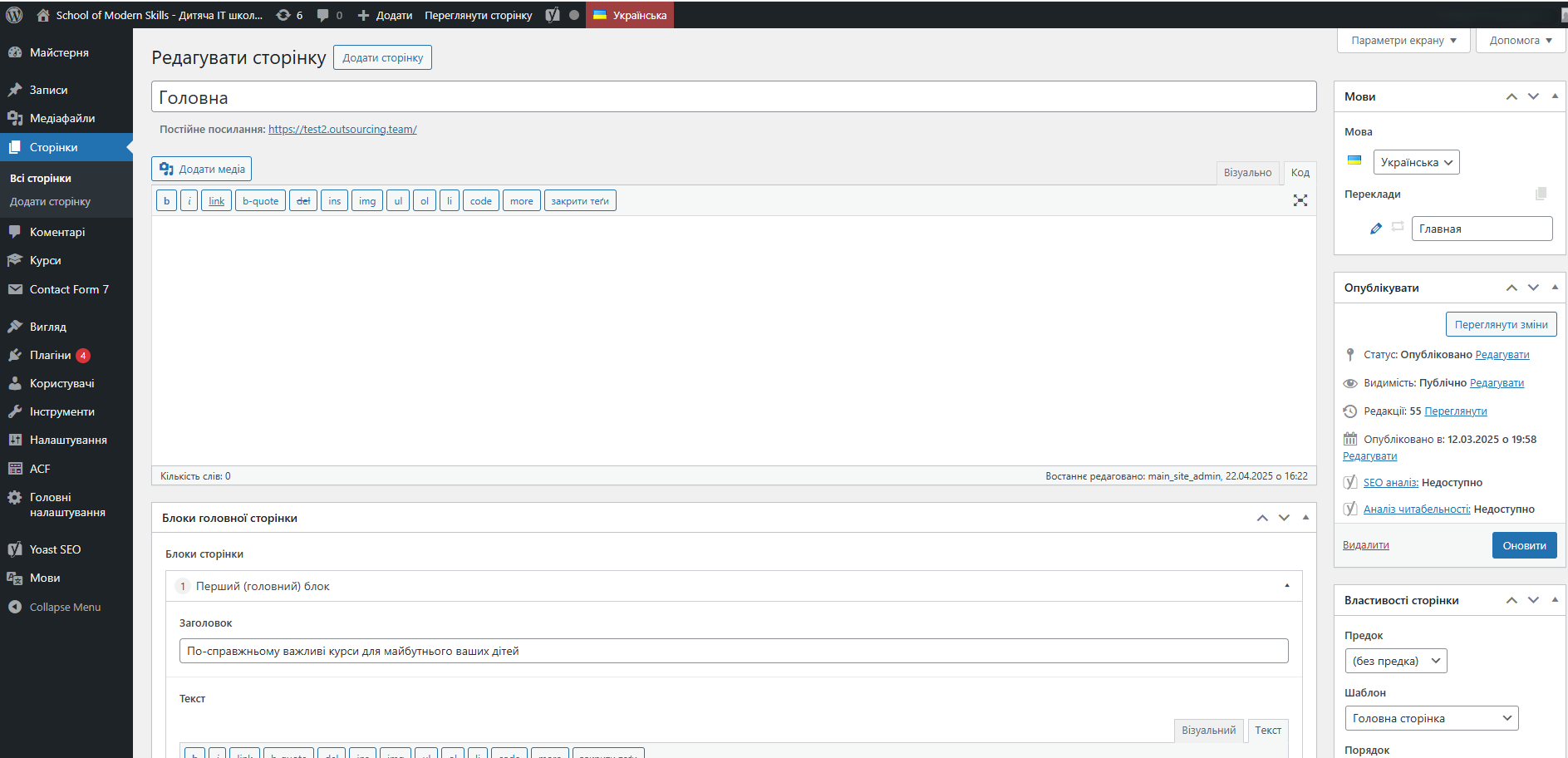
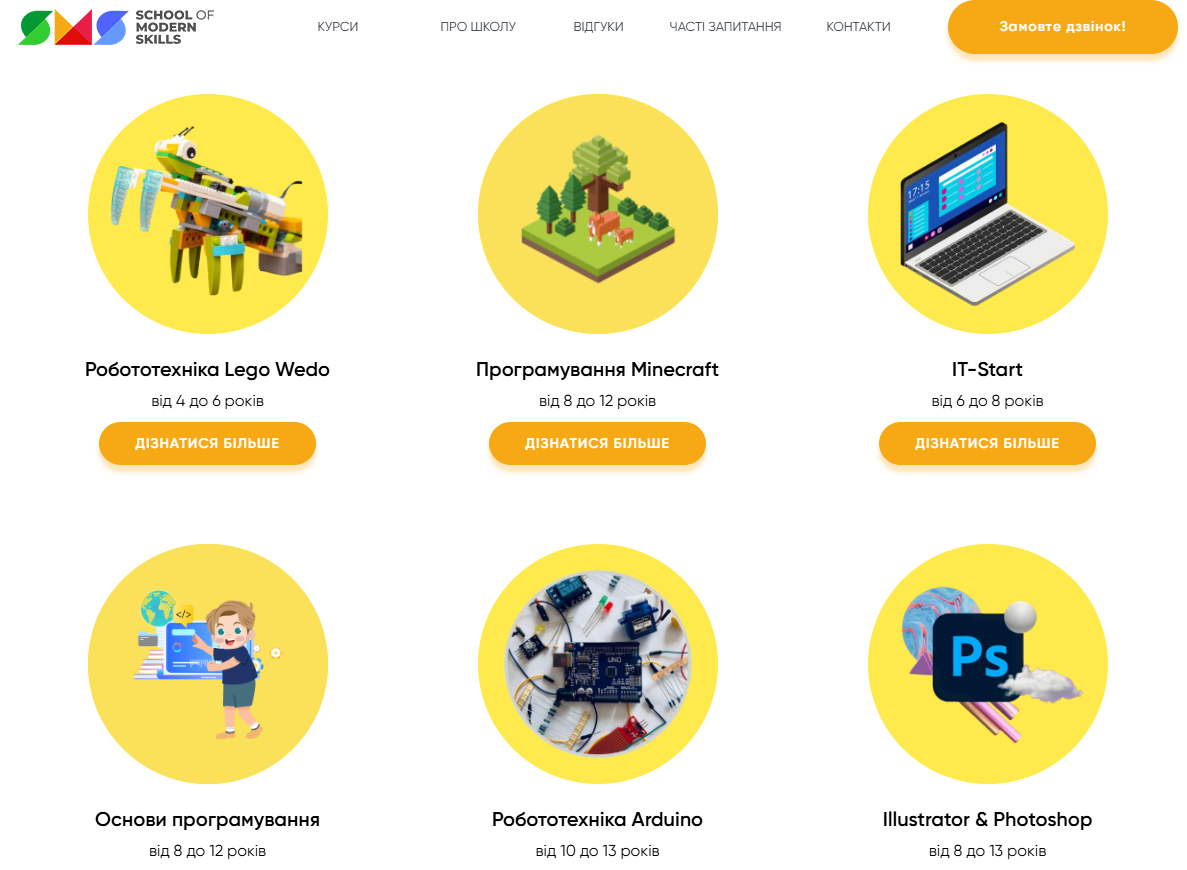
All text, images, buttons, forms and other elements were migrated by hand to maximize quality. We also:
- optimized each image for the web (WebP+Lazy Load);
- implemented adaptability on all devices;
- set up redirects from old URLs if there were changes;
- checked accessibility of each element;
- tested all forms and integrations.
Each step was accompanied by close communication with the client, so that everything was migrated correctly and without loss of functionality.
SEO optimization during migration
Transferring the site from Tilda to WordPress allowed us to implement a full-fledged SEO structure, which could not be implemented on Tilda before:
- HRU (human-readable URLs);
- full control over meta tags;
- generation of sitemap.xml and robots.txt;
- integration with Google Search Console and Google Analytics 4;
- micro markup to improve snippets in Google;
- plugins for caching and speeding up site loading.
Thus, migrating the site from Tilda to WordPress improved search visibility already in the first weeks after launch.
 The result obtained